What Are the Top 10 Automated Marketing CRM Tools for 2026?
Key Highlights
-
Automated marketing CRMs unify CRM data and marketing automation to eliminate silos between sales and marketing.
-
Businesses gain better lead visibility, faster follow-ups, and improved conversion rates through workflow automation.
-
CRM and marketing automation work best together by centralizing customer data and enabling behavior-based engagement.
-
The best automated marketing CRMs for 2026 balance automation depth, ease of adoption, and scalability.
-
Platforms vary by use case, from SMB-friendly tools to enterprise-grade systems with advanced customization.
-
Choosing the right tool depends on team size, automation needs, integration quality, and long-term cost.
-
Modern automated marketing CRMs help teams scale outreach, personalize communication, and drive predictable growth.
Modern marketing no longer works in silos. Businesses that rely on disconnected tools for email campaigns, lead tracking, and sales follow-ups often struggle with poor visibility, inconsistent messaging, and lost opportunities. This is where an automated marketing CRM becomes essential.
By combining customer relationship management with marketing automation, companies can manage leads, personalize communication, and automate workflows from a single system. The result is better alignment between sales and marketing, improved conversion rates, and scalable growth.
In this guide, we break down what an automated marketing CRM is, why it matters, and list the best CRM marketing automation tools for 2026, including platforms designed for fast-growing B2B teams.
What Is an Automated Marketing CRM?
An automated marketing CRM is a platform that unifies traditional CRM functions, such as contact management, deal tracking, and pipeline visibility, with marketing automation features like email workflows, lead scoring, segmentation, and campaign analytics.
Instead of using a standalone CRM and separate marketing automation software, businesses use a CRM with marketing automation to:
-
Capture and organize leads automatically.
-
Trigger personalized emails based on user behavior.
-
Track engagement across the full customer journey.
-
Align marketing actions with sales outcomes.
This tight connection between CRM and marketing automation ensures that every interaction is tracked, measurable, and actionable.
Why CRM and Marketing Automation Work Better Together?
When CRM and marketing automation platforms operate in isolation, teams lose visibility, context, and momentum. Marketing generates leads without knowing what sales needs next, while sales engages prospects without understanding prior interactions. This disconnect slows response times, weakens personalization, and makes ROI harder to prove.
A unified marketing automation CRM solves these issues by aligning data, workflows, and teams around a shared customer view.
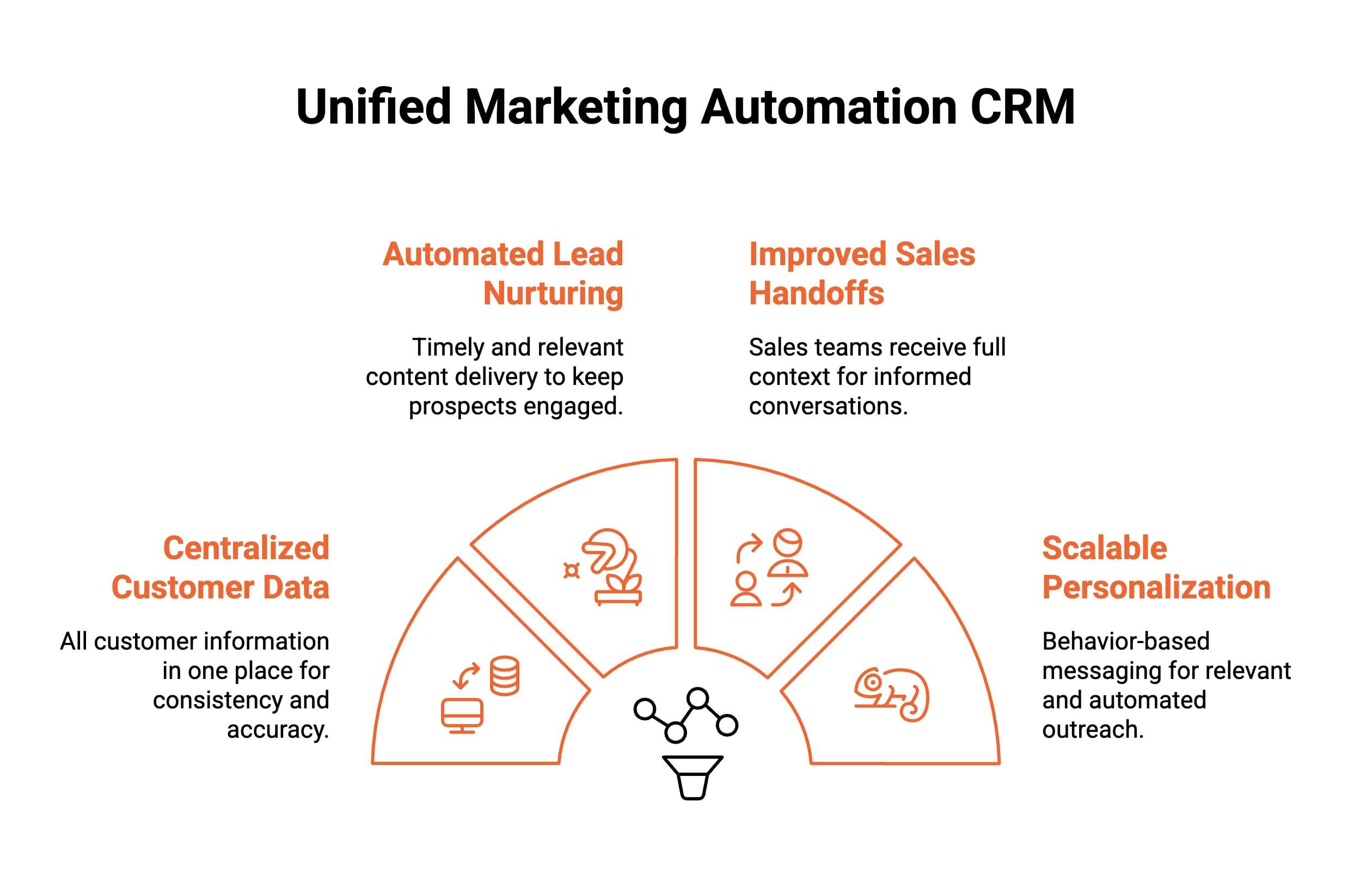
1. Centralized Customer Data Creates a Single Source of Truth
When CRM and marketing automation are unified, all contact data, engagement history, and lifecycle stages live in one place. This prevents data silos, eliminates duplicate records, and ensures sales, marketing, and customer success teams operate from consistent, up-to-date information.
2. Automated Lead Nurturing Keeps Prospects Engaged Consistently
Integrated automation delivers timely follow-ups based on real behavior rather than manual reminders. Leads receive relevant content at the right time, even during long sales cycles, ensuring steady engagement without relying on individual team members to manage every touchpoint.
3. Improved Sales Handoffs Provide Full Context to Sales Teams
With connected systems, sales teams instantly see how prospects interacted with campaigns, emails, and content. This context enables more informed conversations, reduces repetitive discovery questions, and helps reps prioritize leads based on real intent instead of surface-level signals.
4. Scalable Personalization Replaces Guesswork With Behavior-Based Messaging
Unified CRM and marketing automation use behavioral data to personalize outreach automatically. Messaging adjusts based on actions, interests, and lifecycle stage, allowing teams to scale personalization without manual segmentation while maintaining relevance across channels.
For growing businesses, CRM and marketing automation integration is no longer optional. It forms the foundation for predictable execution, better alignment, and sustainable revenue growth.
Which Automated Marketing CRM Tools Compare Best in 2026?
Choosing the right automated marketing CRM becomes easier when you compare platforms side by side. This table highlights how leading tools differ in automation depth, CRM alignment, setup effort, and ideal use cases, helping teams quickly narrow options before diving into detailed reviews.
| Tool | Best For | CRM + Marketing Automation | Testimonial / Proof Automation | Ease of Setup | Typical Team Size |
|---|---|---|---|---|---|
| ProofFlow (integrates with HubSpot CRM, doesn’t replace it) | B2B teams scaling trust + pipeline | Yes (HubSpot-native) | Yes (video + text, lifecycle-based) | Very fast | SMB to Mid-market |
| HubSpot CRM + Marketing Hub | Inbound-led growth | Yes | Limited (via add-ons) | Moderate | SMB to Enterprise |
| Salesforce Marketing Cloud | Enterprise complexity | Yes | No | Slow | Enterprise |
| Zoho CRM | Budget-conscious SMBs | Yes | No | Fast | SMB |
| ActiveCampaign | Email-first automation | Partial | No | Fast | SMB to Mid-market |
| Pipedrive | Sales-led teams | Limited | No | Very fast | SMB |
| Freshworks CRM | All-in-one engagement | Yes | No | Fast | Mid-market |
| Keap | Small service businesses | Yes | No | Fast | SMB |
| Mailchimp | Email + ecommerce | Limited | No | Very fast | SMB |
| Constant Contact | Agencies | Yes | No | Moderate | Agencies |
Note: ProofFlow is not a standalone CRM but integrates natively with HubSpot CRM to add testimonial automation capabilities.
What Are the 10 Best Automated Marketing CRM Tools for 2026?
The best automated marketing CRM tools combine customer data, marketing automation, and engagement tracking into unified platforms. These tools help teams automate outreach, nurture leads, and align sales with marketing efforts. Choosing the right platform depends on scale, automation depth, and ease of adoption.
Below are the leading automated marketing CRM platforms for 2026.
1. ProofFlow (G2: 4.8/5)
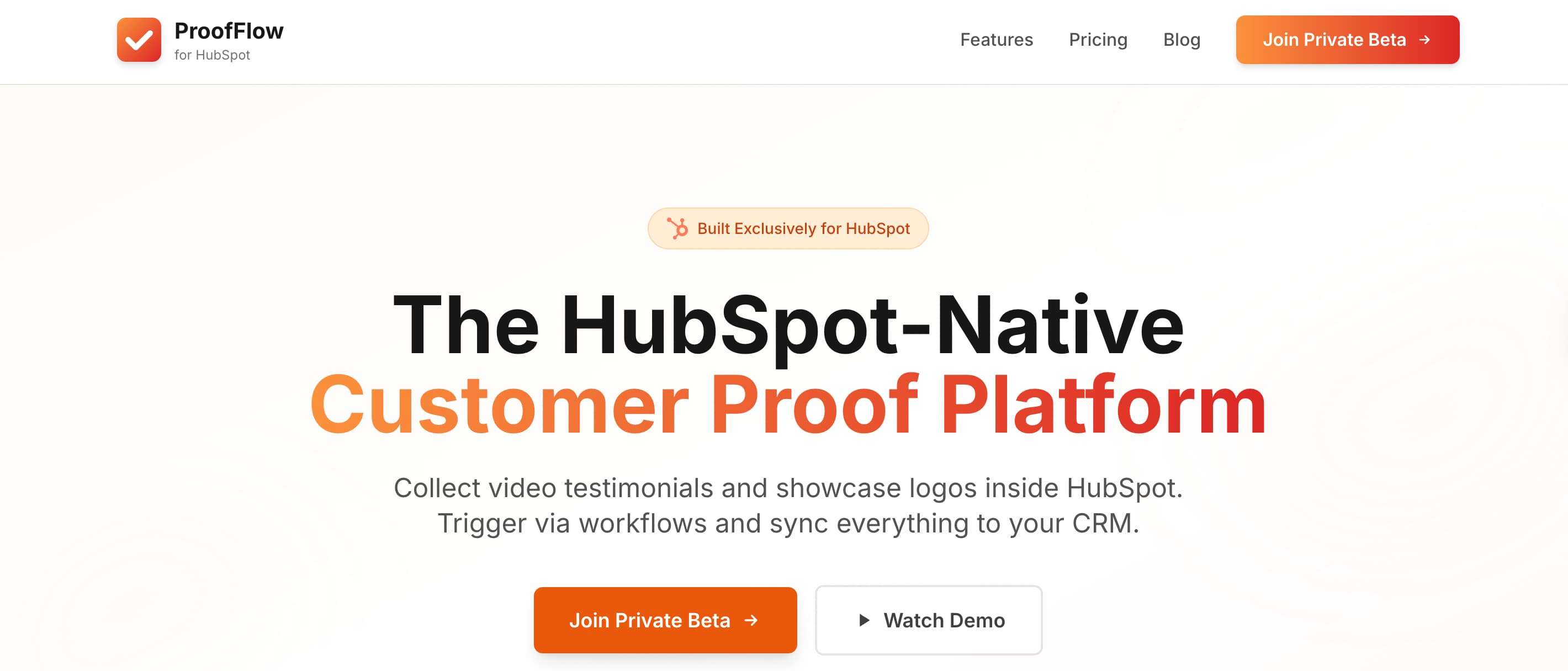
ProofFlow is a HubSpot-native testimonial automation platform built for B2B teams that want to scale customer proof, strengthen trust, and accelerate pipeline without adding operational complexity. It integrates directly with HubSpot CRM, turning testimonial collection into a repeatable system that supports revenue growth.
Pros
-
Native HubSpot integration makes testimonials first-class CRM data, fully structured and reportable, and directly tied to lifecycle stages, deals, NPS scores, and custom properties.
-
Testimonials are stored as CRM records alongside contacts and deals, not in a separate, siloed tool.
-
Automated testimonial triggers activate requests after closed-won deals, renewals, onboarding milestones, or positive interactions.
-
Frictionless video and text testimonial capture through browser-based recording without logins, downloads, or technical setup.
-
Centralized testimonial management with approvals, tagging, consent tracking, and CRM-level visibility.
-
Sales and marketing activation through embeddable widgets, Wall of Love pages, logo walls, and reusable proof assets.
Cons
-
Built specifically for HubSpot, limiting value for teams using other CRM platforms.
-
Focused on testimonial and proof workflows rather than full CRM or marketing automation replacement.
-
Best results require clear lifecycle definitions within HubSpot.
Pricing
Custom pricing based on usage and HubSpot integration requirements.
Who Is This Best Suited For?
B2B and SaaS companies using HubSpot that want to automate testimonial collection, strengthen sales enablement, reduce objections, and turn customer proof into a scalable trust engine supporting long B2B sales cycles.
By connecting CRM data, automation, and customer proof in one system, ProofFlow turns testimonials from one-off assets into a scalable trust engine that directly supports revenue growth.
2. HubSpot (G2: 4.4/5)
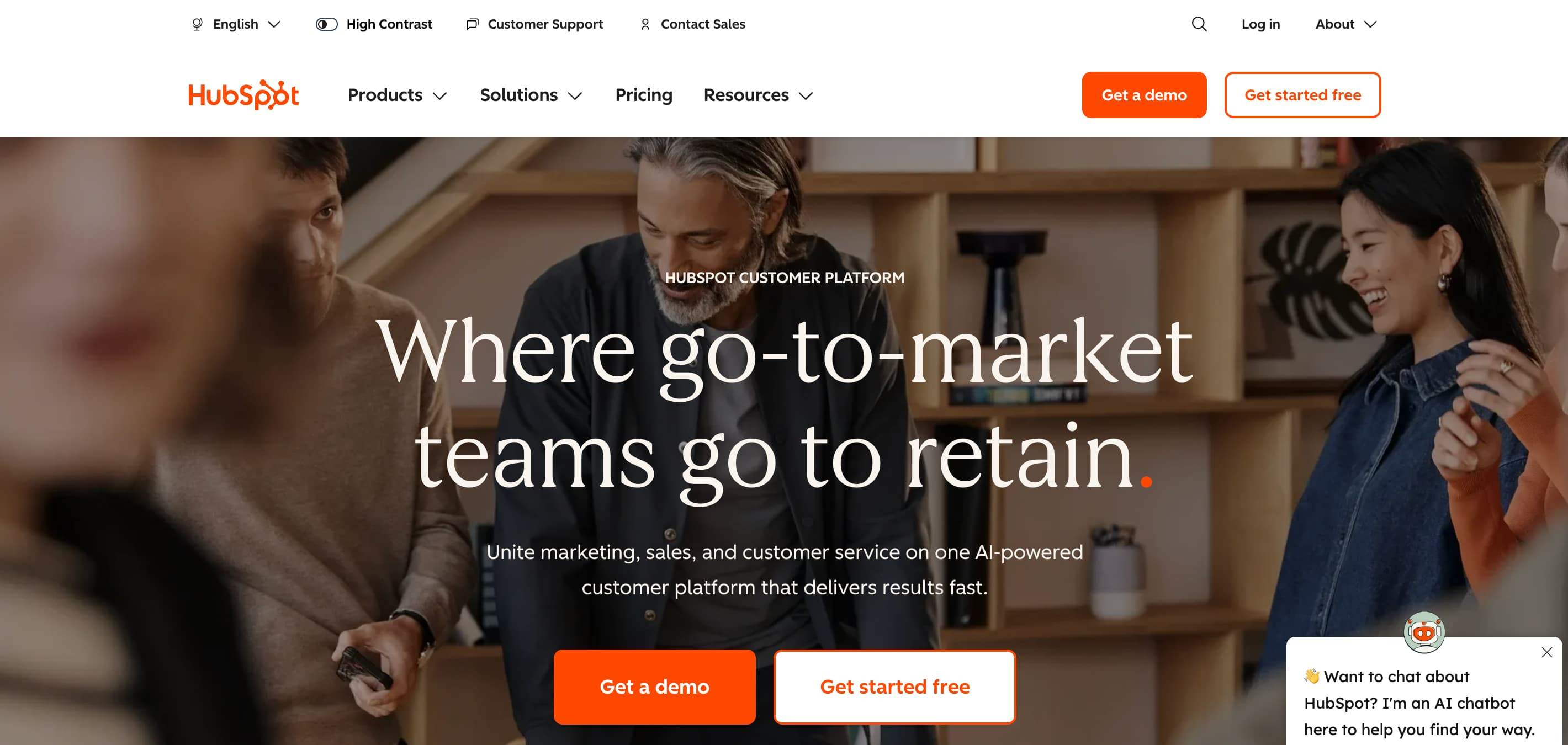
HubSpot CRM and Marketing Hub combine CRM, marketing automation, email marketing, and analytics into a single inbound-focused ecosystem. It is widely adopted by B2B teams that want scalable automation, strong CRM alignment, and extensive integrations without heavy technical overhead.
Pros
-
Visual workflow automation enables complex nurturing without coding or advanced technical expertise.
-
Deep CRM integration keeps lifecycle stages, engagement history, and contact data consistently aligned.
-
Strong email marketing, segmentation, and attribution tools support inbound-led growth strategies.
Cons
-
Pricing increases quickly as contact volume and feature usage scale.
-
Advanced customization often requires higher-tier plans or add-ons.
-
Can feel rigid for highly bespoke enterprise workflows.
Pricing
-
Free: $0 per month for up to two users, offering basic CRM, email marketing, lead capture, and reporting across HubSpot hubs.
-
Starter: Entry-level paid plan starting at $9 per seat monthly, adding simple automation, branding removal, and higher usage limits.
-
Professional: Starts at $800 per month and includes advanced automation, lead scoring, personalization, reporting, and required onboarding.
-
Enterprise: Starts at $3,600 per month, providing enterprise-grade automation, governance, scalability, and advanced data management features.
Who Is This Best Suited For?
Inbound-driven SMBs and mid-market B2B teams seeking an all-in-one CRM and marketing automation platform with strong usability, integrations, and predictable scaling for marketing and sales alignment.
3. Salesforce (G2: 4.0/5)
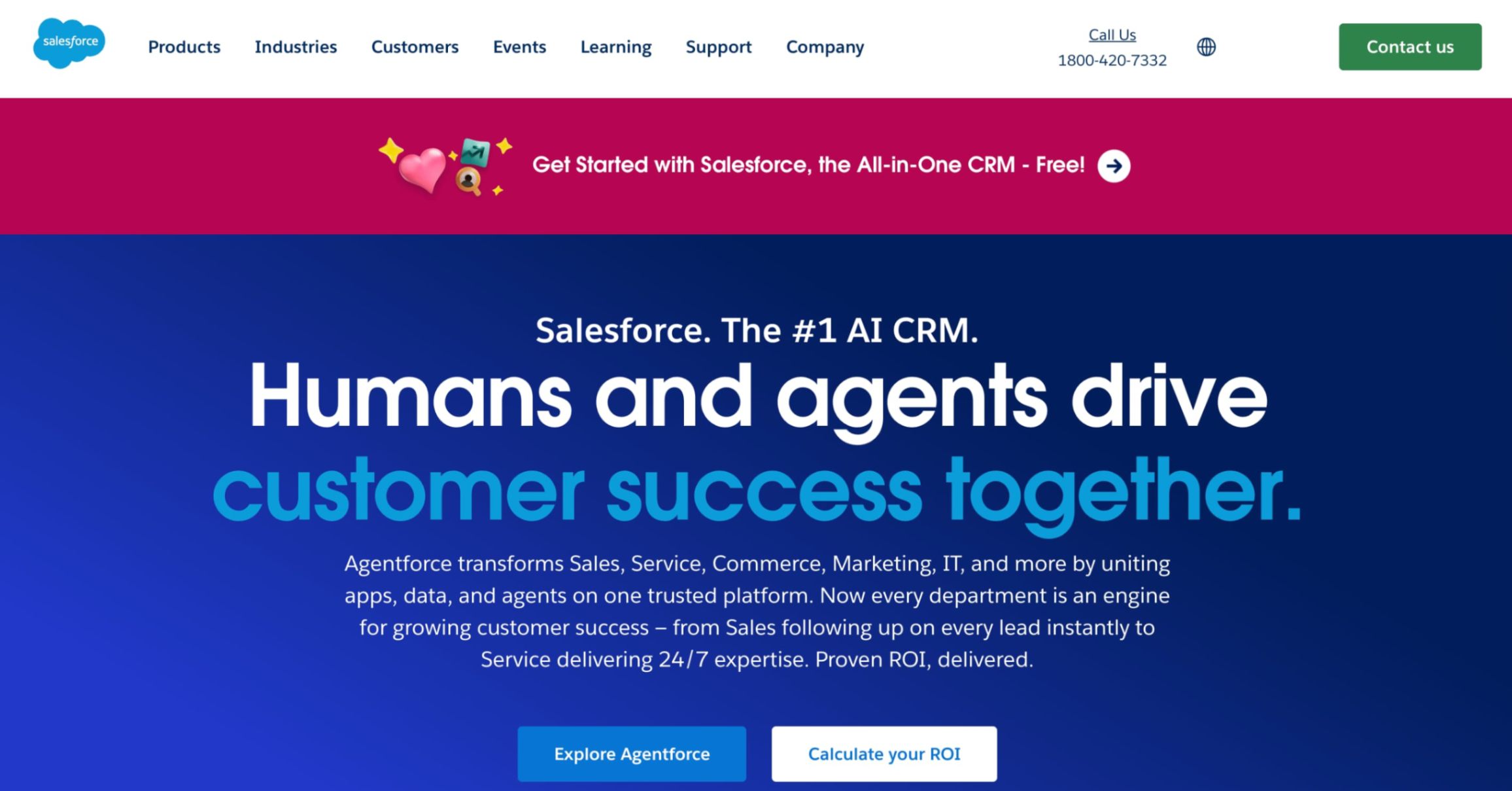
Salesforce CRM with Marketing Cloud delivers enterprise-grade marketing automation for complex, multi-touch customer journeys. It supports cross-channel orchestration, AI-driven personalization, and deep customization for large organizations with advanced data, security, and compliance needs.
Pros
-
Supports sophisticated multichannel campaigns across email, mobile, social, ads, and web.
-
AI-powered insights help optimize personalization, timing, and customer engagement decisions.
-
Highly customizable to match complex enterprise processes and data models.
Cons
-
High implementation complexity and long onboarding cycles.
-
Expensive licensing and reliance on certified partners.
-
Overkill for small or mid-sized teams.
Pricing
-
Free Suite: $0 per user per month for up to two users, offering basic CRM features, simple email marketing, service case management, and guided onboarding.
-
Starter Suite: $25 per user per month, adding sales automation, lead routing, dynamic email marketing, analytics, and basic commerce capabilities.
-
Pro Suite: $100 per user per month, designed for growing businesses needing deeper customization, advanced automation, forecasting, and AppExchange access.
-
Billing and Contracts: Free has no contract, Starter supports monthly or annual billing, while Pro requires annual billing and a contract.
Who Is This Best Suited For?
Large enterprises with complex customer journeys, global operations, dedicated ops teams, and the budget to support deep customization, long implementations, and advanced data orchestration.
4. Zoho (G2: 4.1/5)
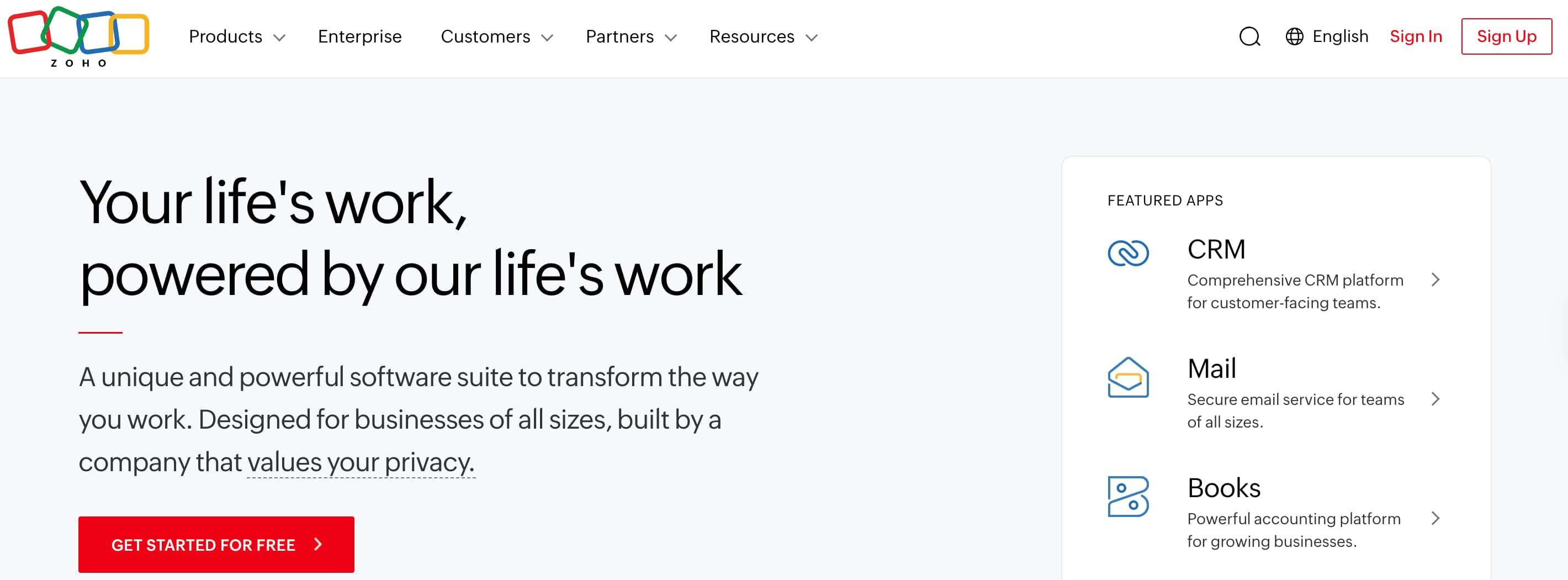
Zoho CRM with marketing automation offers an affordable, integrated solution for small and mid-sized businesses. It combines CRM, email campaigns, lead scoring, and cross-channel automation while keeping implementation complexity manageable for growing teams.
Pros
-
Cost-effective alternative to premium CRM automation platforms.
-
Integrated email campaigns and lead scoring support basic nurturing workflows.
-
The broad Zoho ecosystem enables expansion into finance, support, and operations.
Cons
-
User interface and reporting feel less polished than premium tools.
-
Limited advanced AI and personalization capabilities.
-
Automation flexibility can feel restrictive at scale.
Pricing
-
Standard: $25 per month when billed annually ($29 monthly), best suited for businesses with one-time billing requirements, offering quote and invoice creation, local language and tax customization, multi-user access for up to 3 users and more.
-
Premium: $59 per month when billed annually ($69 monthly), best suited for businesses with one-time and subscription billing requirements, including everything in Standard plus subscription billing management, multi-user access for up to 10 users, hosted payment pages, automated usage-based pricing billing, and proration calculation.
-
Enterprise: Custom pricing, engineered for operational scale and deep customization, designed for enterprises handling high-volume customers and transactions.
Who Is This Best Suited For?
Small and mid-sized businesses looking for affordable CRM and marketing automation with basic cross-channel capabilities, minimal setup complexity, and access to a broader business software ecosystem.
5. ActiveCampaign (G2: 4.6/5)
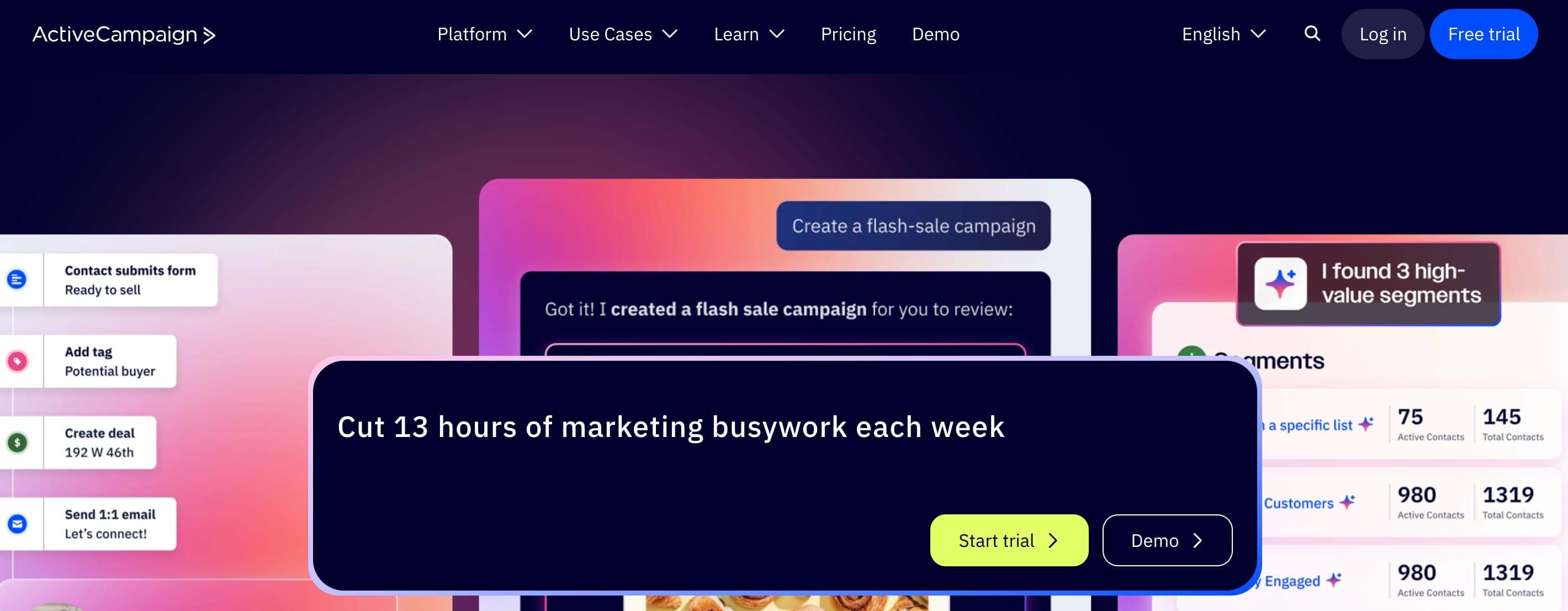
ActiveCampaign CRM is known for advanced email automation and behavior-based workflows. It combines CRM functionality with deep segmentation and personalization, making it ideal for teams that rely heavily on email-driven nurturing and precise customer journey control.
Pros
-
Industry-leading behavior-based email automation and workflows.
-
Advanced segmentation enables highly personalized messaging at scale.
-
Strong email deliverability and automation depth for long-term nurturing.
Cons
-
CRM features are limited compared to full-scale CRMs.
-
Workflow complexity increases rapidly as automation scales.
-
Less suitable for sales-heavy teams needing robust pipeline management.
Pricing
-
Plus: Starts at $112 per month (billed annually), offering foundational email and WhatsApp automation, standard segmentation, shared inbox, landing pages, and CRM integrations for small teams.
-
Pro: Starts at $142 per month (billed annually), unlocking full cross-channel orchestration with advanced segmentation, predictive content, unlimited automation actions, and expanded team collaboration.
-
Enterprise: Starts at $284 per month (billed annually), designed for large-scale orchestration with premium integrations, advanced flows, custom objects, SSO, and a dedicated account team.
-
Plan Structure: Pricing scales by users, messaging lines, and contact limits, supporting email-only or combined email and WhatsApp marketing workflows.
Who Is This Best Suited For?
Marketing-led teams and lifecycle marketers who rely heavily on email automation, behavioral triggers, and personalization rather than complex sales pipeline management or enterprise CRM functionality.
6. Pipedrive (G2: 4.3/5)
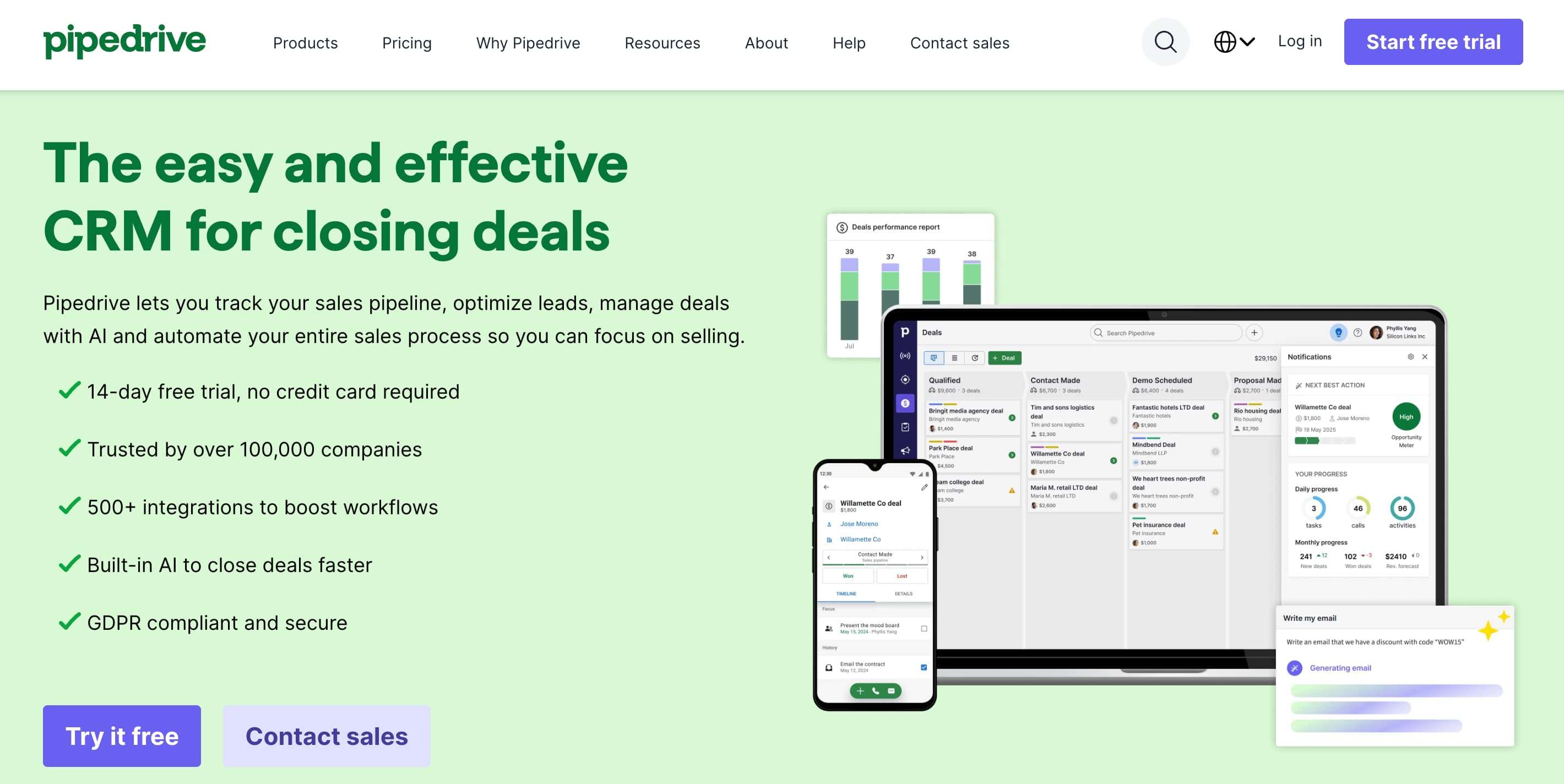
Pipedrive is a sales-focused CRM offering automation through add-ons and integrations. It emphasizes deal visibility and pipeline control while allowing teams to layer in lightweight automation for follow-ups and activities as needed.
Pros
-
Excellent visual pipeline management and deal ownership clarity.
-
Simple automation reduces repetitive sales admin tasks.
-
Large integration ecosystem supports gradual expansion.
Cons
-
Limited native marketing automation capabilities.
-
Requires third-party tools for advanced workflows.
-
Not designed for complex lifecycle marketing.
Pricing
-
Lite: $14 per seat per month (billed annually), offering core sales management, AI-powered reporting, pipeline visibility, and integrations for small sales teams.
-
Growth: $24 per seat per month (billed annually), adding email automation, nurturing sequences, forecasting, meeting scheduling, and live chat support.
-
Premium: $49 per seat per month (billed annually), including lead routing, custom scoring, data enrichment, AI-powered outreach, and contracts with e-signatures.
-
Ultimate: $69 per seat per month (billed annually), providing advanced security, sandbox testing, enriched data, extended support, and partnership benefits.
Who Is This Best Suited For?
Sales-led teams and SMBs focused on pipeline execution, forecasting, and deal visibility that need light automation without introducing complex marketing systems.
7. Freshworks (G2: 4.3/5)
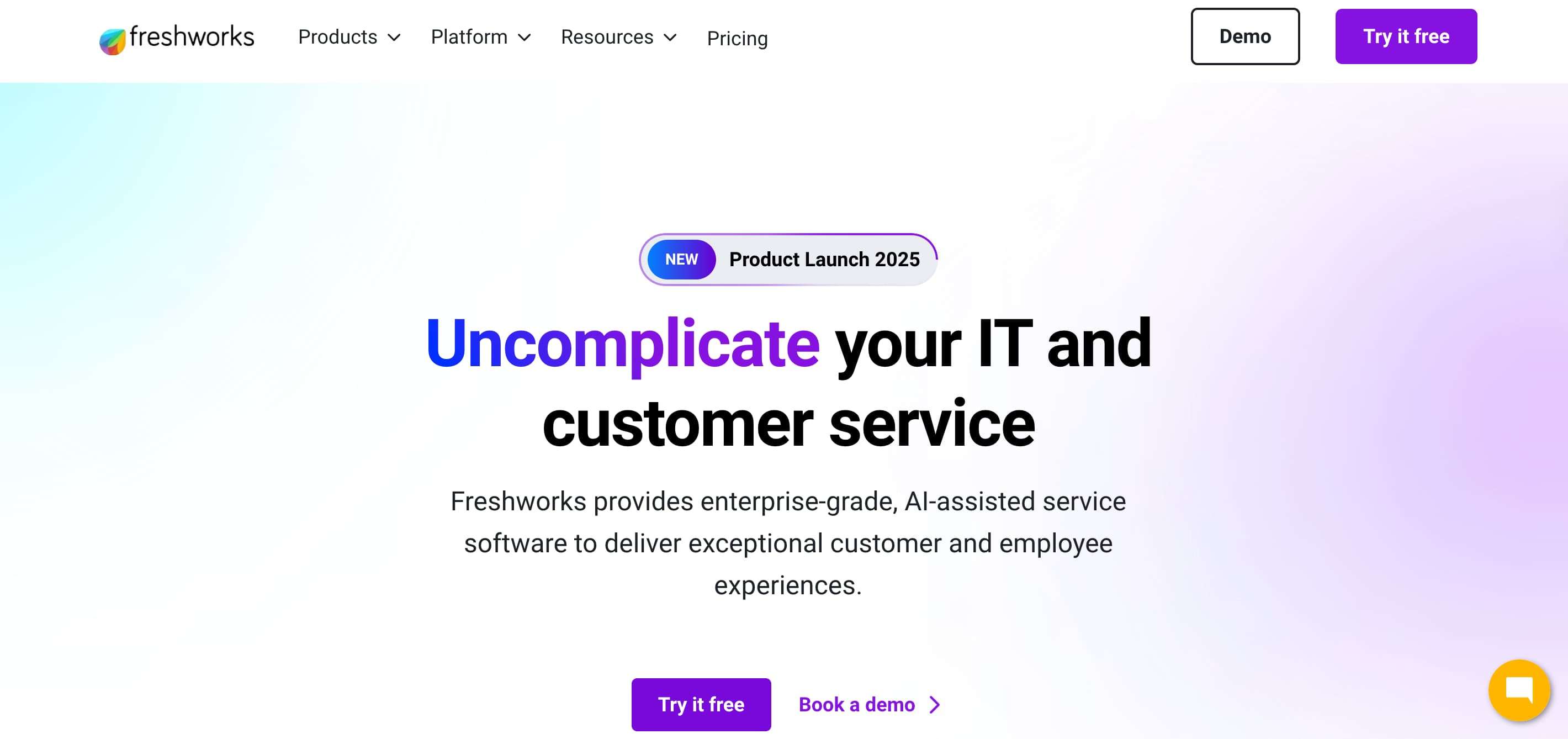
Freshworks CRM combines sales automation and marketing automation through Freshsales and Freshmarketer. It balances usability with advanced features, offering AI-driven insights, email campaigns, and lifecycle tracking for mid-sized teams.
Pros
-
AI-powered lead scoring and deal insights improve prioritization.
-
User-friendly interface accelerates onboarding and adoption.
-
Unified sales and marketing data across lifecycle stages.
Cons
-
Less flexible than enterprise CRM platforms.
-
Advanced features are locked behind higher pricing tiers.
-
Reporting depth may not satisfy data-heavy teams.
Pricing
-
Growth: Starts at $9 per user per month (billed annually), covering core pipeline management, built-in email, chat, phone, basic workflows, reports, mobile access, and collaboration tools.
-
Pro: Starts at $39 per user per month (billed annually), adding Freddy AI scoring, advanced workflows, sales sequences, territory management, multiple pipelines, and AI-assisted sales emails.
-
Enterprise: Starts at $59 per user per month (billed annually), designed for advanced governance with custom modules, forecasting insights, sandbox environments, audit logs, and field-level permissions.
-
Plan Structure: Each tier builds on the previous one, scaling from SMB-friendly pipeline management to enterprise-grade customization, AI assistance, and operational control.
Who Is This Best Suited For?
Mid-market teams that want a modern, easy-to-adopt CRM with built-in automation, AI assistance, and balanced sales-marketing functionality without enterprise-level overhead.
8. Keap (G2: 4.1/5)
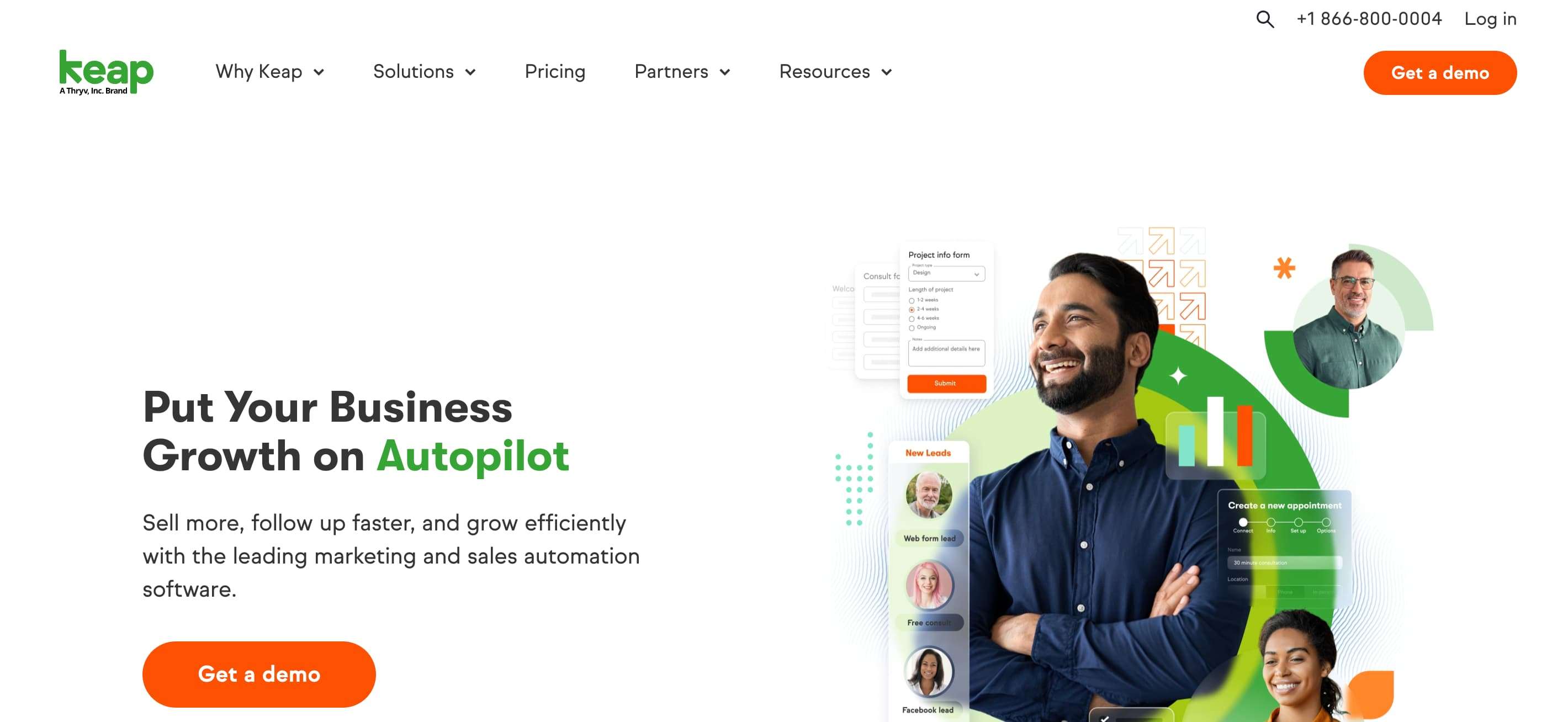
Keap is designed for small businesses and solopreneurs that need automation without complexity. It combines CRM, email marketing, and payments to automate follow-ups and customer communications efficiently.
Pros
-
Strong automated follow-ups and reminders.
-
Built-in payments and invoicing simplify operations.
-
Simple workflows reduce setup and management effort.
Cons
-
Limited scalability for growing teams.
-
UI feels dated compared to modern tools.
-
Less flexible for advanced automation scenarios.
Pricing
-
Base Plan: Starts at $299 per month (billed monthly), providing full access to the Keap software platform without feature-based tier restrictions.
-
Included Users: Pricing includes 2 users, making it suitable for small teams managing sales, marketing, and customer operations together.
-
Contact Limit: Comes with 1,500 contacts, supporting growing customer databases with automation and CRM functionality.
-
All-in-One Access: Includes CRM, automation, email and text messaging, pipelines, landing pages, payments, appointments, and reporting in one package.
Who Is This Best Suited For?
Solopreneurs and small service-based businesses that need simple CRM automation, consistent follow-ups, and integrated payments without hiring technical or operations specialists.
9. Mailchimp (G2: 4.4/5)
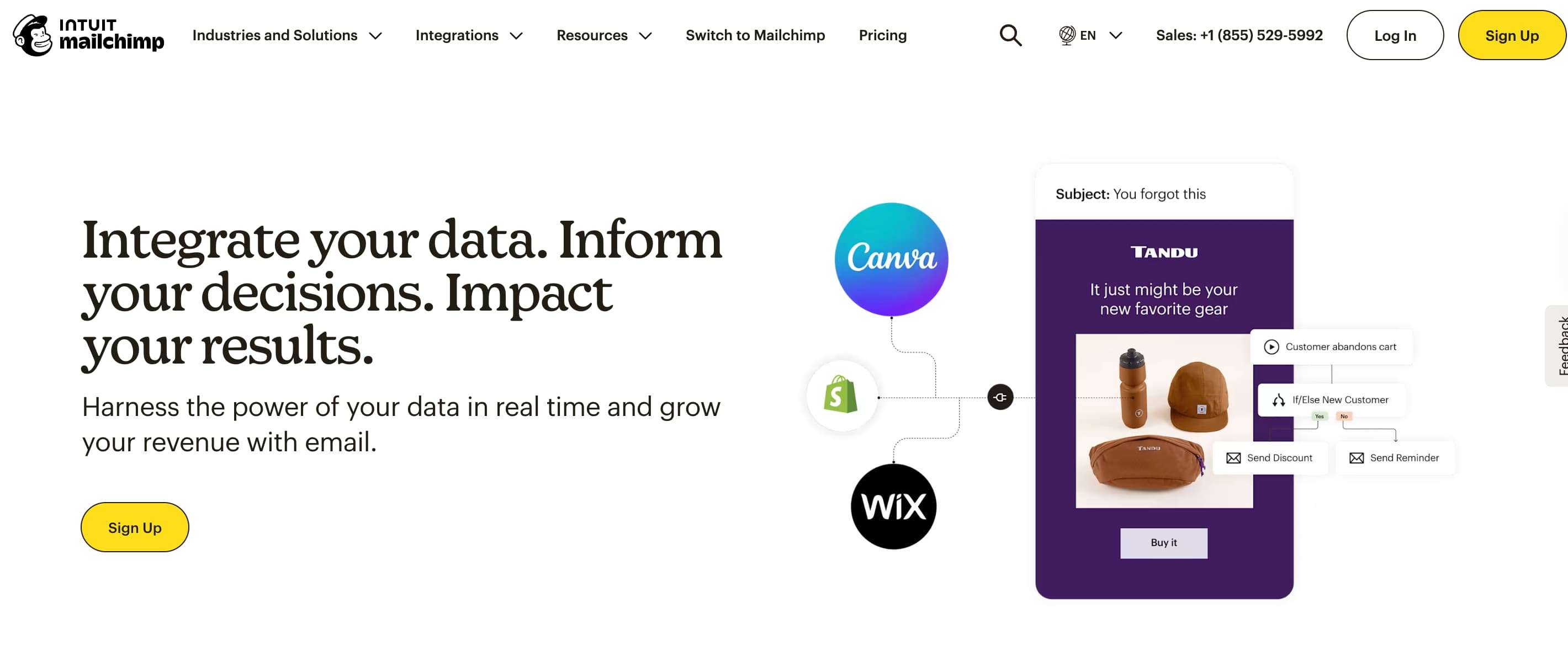
Mailchimp has evolved into a lightweight CRM with marketing automation, especially for email and e-commerce use cases. While CRM features are basic, automation and segmentation tools support efficient customer communication.
Pros
-
Extremely easy to set up and use.
-
Strong email campaign and ecommerce integrations.
-
Flexible audience segmentation for smaller teams.
Cons
-
CRM features are very basic.
-
Limited workflow complexity and personalization depth.
-
Pricing increases sharply with list size.
Pricing
-
Free: $0 per month, suitable for very small lists, offering basic email campaigns, limited contacts, and essential audience insights.
-
Essentials: Starts at ~$9 per month after introductory discounts, adding email scheduling, testing, templates, and basic automation features.
-
Standard: Starts at ~$14 per month after promotions, including advanced automations, personalization, optimization tools, and 24/7 support.
Who Is This Best Suited For?
Startups, ecommerce brands, and small teams that need fast email automation, basic CRM tracking, and minimal setup without complex lifecycle or sales automation requirements.
10. Constant Contact (G2: 4.1/5)
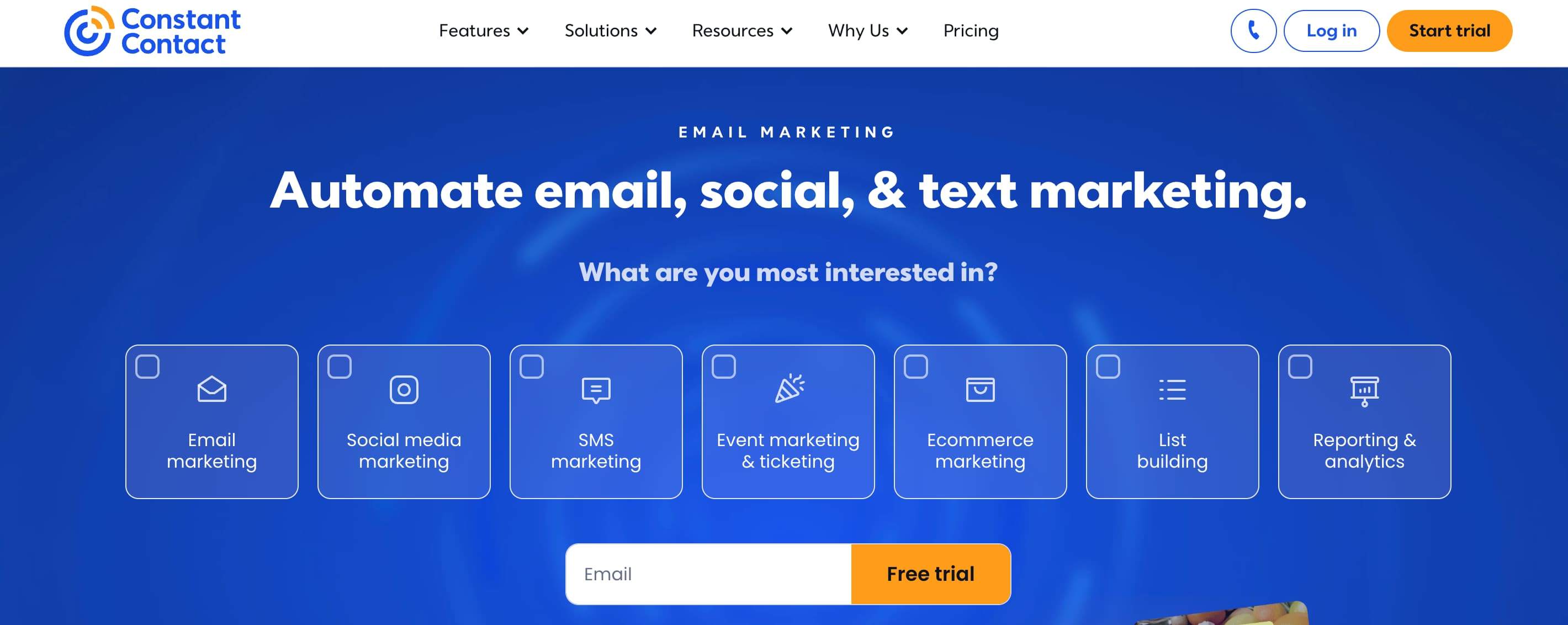
Constant Contact provides email, social media, and SMS marketing automation for small businesses and teams. It is popular among solopreneurs, franchises, and multi-location businesses, offering drag-and-drop email creation, AI writing assistance, social posting, and multi-account management.
Pros
-
Simple drag-and-drop editor with AI-powered content tools.
-
Social media integration with multi-platform posting.
-
Teams solution for managing multiple locations with brand controls.
-
30-day free trial with up to 100 emails and social posts.
Cons
-
Limited advanced automation compared to enterprise platforms.
-
Fewer integrations than larger competitors.
Pricing
-
Lite: $12 per month, ideal for beginners starting with email and social media marketing, offering basic email tools, 1 automation template, simple contact management, and social media posting.
-
Standard: $35 per month, great for growing businesses, including advanced automations, AI campaign builder, 3 automation templates, email scheduling and testing, 10 custom segments, and live support.
-
Premium: $80 per month, designed for professionals needing unlimited automation templates, dynamic email content, unlimited custom segments, ecommerce templates, priority onboarding, and dedicated support.
-
Enterprise: Custom pricing for multiple accounts, offering centralized brand control, perfect for franchises, agencies, colleges, and government offices with specialized needs.
Who Is This Best Suited For?
Agencies and consultants managing multiple client accounts who need advanced automation, lead tracking, and reporting without enterprise-level pricing.
Final Thoughts
An automated marketing CRM is no longer a luxury; it’s a growth requirement. Businesses that unify CRM and marketing automation gain clearer insights, faster execution, and stronger customer relationships.
Among the many options available, platforms like ProofFlow stand out by offering native testimonial automation and a unified experience designed for real-world B2B teams.
The right tool doesn’t just automate tasks; it helps your business scale smarter.
Frequently Asked Questions
What is the difference between CRM and marketing automation?
A CRM manages customer relationships, contacts, and sales pipelines, while marketing automation handles campaigns, email workflows, and lead nurturing. Many modern platforms combine both into a single system so teams can manage the full customer journey in one place.
Is CRM marketing automation suitable for small businesses?
Yes. Many platforms offer free plans or affordable tiers with automation features that help small teams capture leads, send targeted emails, and streamline follow-ups without heavy setup or upfront investment.
Can CRM email marketing automation replace email tools?
In most cases, yes. Built-in email tools within CRM platforms support templates, scheduled sends, behavioral triggers, and performance tracking, reducing the need for a separate email marketing tool.
How important is CRM and marketing automation integration?
Very important. When CRM and marketing automation share the same data, teams can deliver more consistent messaging, hand off leads smoothly between marketing and sales, and measure the full impact of their efforts on revenue.
Are there any automated marketing CRMs that allow unlimited records?
Yes. Some platforms offer unlimited contact or record storage, which helps growing teams scale their databases without hitting caps or paying overage fees. Check each vendor’s pricing page for specific limits.
How do SharpSpring and Keap compare as automated marketing CRMs?
SharpSpring is built for agencies and emphasizes flexible automation, behavior-based nurturing, and multi-client management. Keap targets small businesses with simpler workflows, built-in payments, and an easier learning curve.
What are the best practices for using a CRM with marketing automation?
Start by defining clear lifecycle stages, keep your contact data clean, automate workflows based on real customer behaviors, align sales and marketing on shared goals, and regularly review performance to optimize over time.
Ready to automate your testimonial collection?
Get full access to ProofFlow at no cost during our free beta. The complete testimonial automation platform for HubSpot.
Get Started Free