What Are the Best Testimonial Collection Tools in 2026?
Key Highlights
-
Testimonial collection tools help businesses collect, manage, and reuse customer proof in a structured, scalable way.
-
CRM-based testimonial collection tools outperform standalone tools by using real customer data and lifecycle milestones.
-
Video testimonials build stronger trust, emotional credibility, and conversion impact than text-only reviews.
-
Automating testimonial requests removes manual follow-ups and ensures feedback is captured at the right moment.
-
Centralized testimonial management prevents scattered assets and enables easier reuse across teams.
-
CRM-native tools align testimonials with sales and marketing workflows to support conversions and objection handling.
-
Platforms like ProofFlow treat testimonial collection as part of CRM automation, not a separate task.
Customer testimonials are one of the most powerful trust signals in modern marketing. Buyers trust real customer experiences far more than brand messaging, especially when those testimonials include video. Yet for many teams, testimonial collection remains manual, inconsistent, and difficult to scale.
This is where tools to collect testimonials become essential, particularly one that works natively inside your CRM.
In this guide, we explain what a testimonial collection tool is, why CRM-based tools perform better, and review the best testimonial collection tools built for CRM platforms like HubSpot, with a special focus on HubSpot-exclusive testimonial automation tools built directly inside HubSpot workflows.
What Is a Testimonial Collection Tool?
A testimonial collection tool is software that helps businesses request, collect, manage, and display customer testimonials in a structured and repeatable way. Modern testimonial tools go beyond static text reviews. They allow businesses to:
-
Collect video testimonials.
-
Automate testimonial requests.
-
Store testimonials centrally.
-
Tag testimonials by product, persona, or use case.
-
Reuse testimonials across marketing channels.
When connected to a CRM, testimonial collection becomes a scalable, automated process rather than a one-off task.
Why CRM-Based Testimonial Collection Tools Work Better?
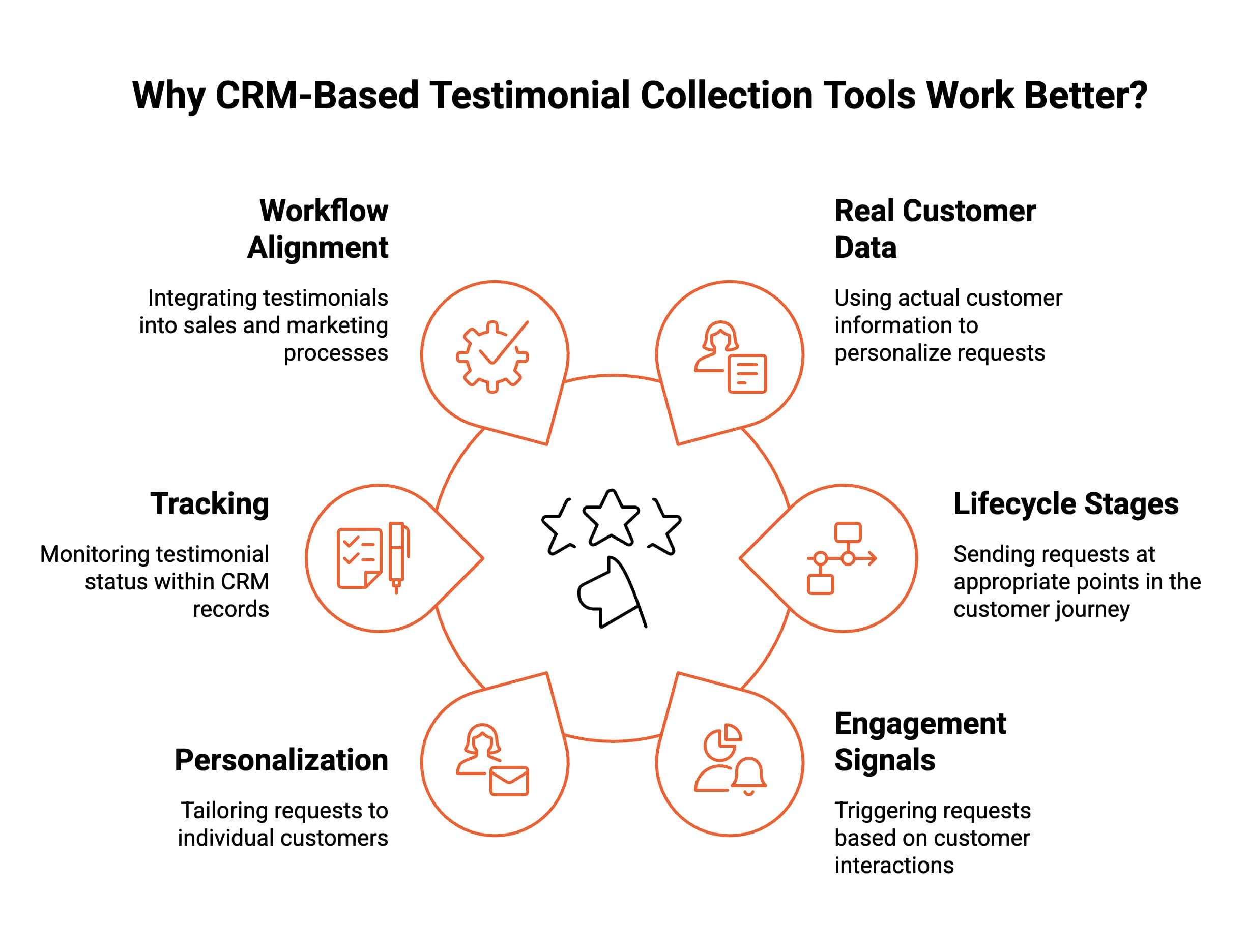
CRM-based testimonial collection tools work better because they use real customer data, lifecycle stages, and engagement signals to automate requests at the perfect moment. This creates higher-quality testimonials with less manual work. Here’s how CRM-native tools improve reliability, personalization, and response rates.
1. Trigger Requests Based on Customer Milestones
CRM-native tools automatically send testimonial requests after key milestones like onboarding completion, NPS surveys, or successful project outcomes. This ensures timing aligns with genuine customer satisfaction, increasing the likelihood of receiving authentic, high-quality testimonials without manual coordination or inconsistent outreach workflows.
2. Personalize Testimonial Outreach Using CRM Data
With CRM data such as name, industry, purchase history, and engagement behavior, testimonial requests feel tailored rather than generic. Personalized prompts increase completion rates and encourage customers to record meaningful stories, resulting in more emotionally resonant social proof for your sales and marketing teams to use.
3. Track Testimonial Status Alongside Customer Records
Storing testimonial progress directly inside CRM records ensures teams always know who submitted, declined, or needs follow-up. This eliminates scattered spreadsheets and centralizes testimonial operations, enabling smoother collaboration for marketing and sales while ensuring every valuable customer story is properly captured and reused.
4. Align Testimonials With Sales and Marketing Workflows
CRM-based testimonial tools allow collected stories to flow directly into sales enablement, content marketing, and automation workflows. This alignment ensures the right testimonials surface at the right moment, improving conversions, reducing deal friction, and helping customer-facing teams build trust faster with targeted social proof.
This is why teams using HubSpot and similar CRMs see higher testimonial response rates and better-quality feedback.
Should You Use Text or Video Testimonial Collection Tools?
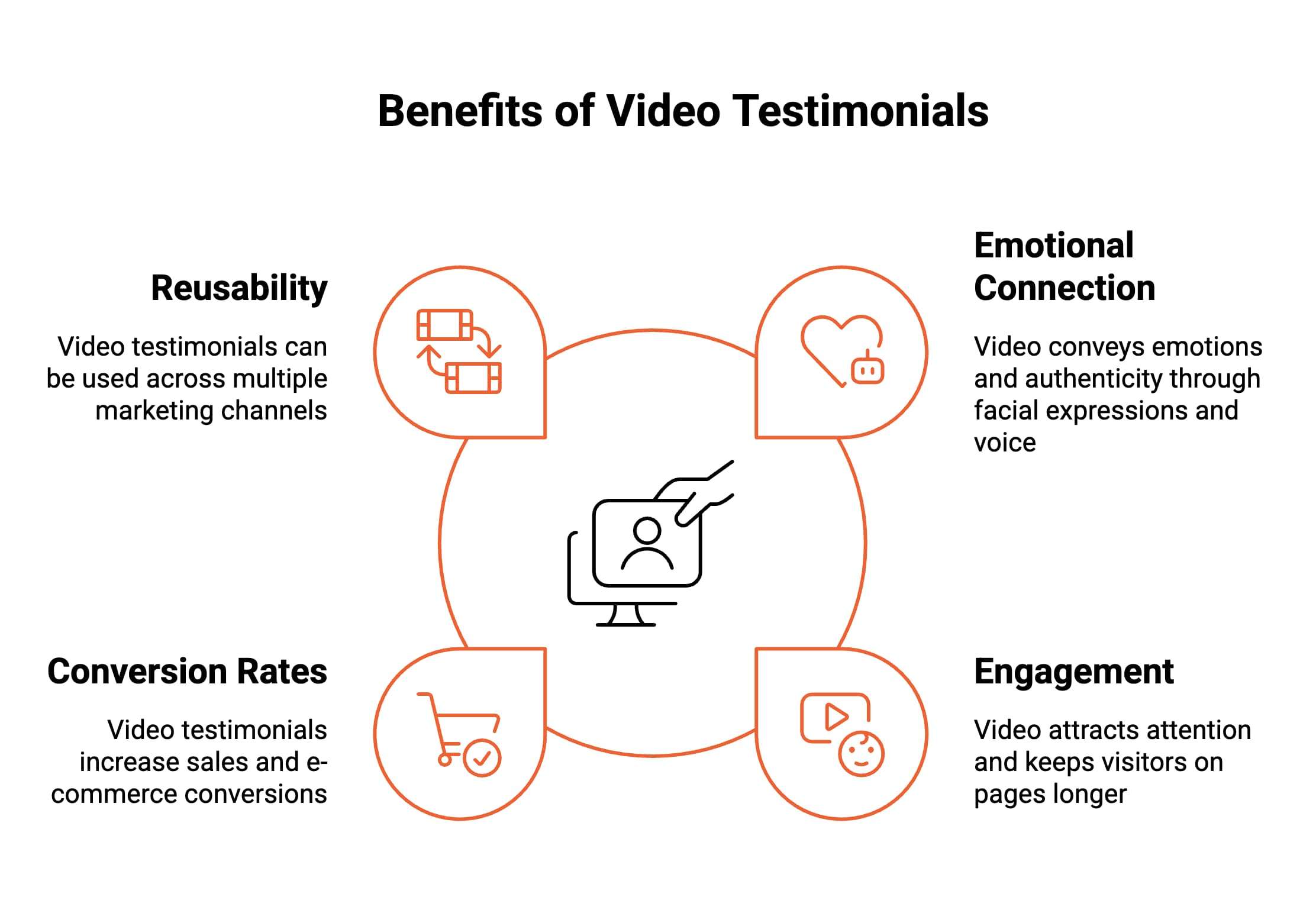
You should use video testimonial collection tools because they convey emotion, authenticity, and credibility more effectively than text alone. Video helps prospects connect with real customers, increasing trust and engagement across marketing and sales channels. The difference becomes clear when evaluating how each format performs.
-
Build Stronger Emotional Credibility: Video testimonials show real customers speaking naturally, which communicates confidence, tone, and authenticity better than written quotes. Facial expressions and voice create emotional connection, helping prospects trust the message faster and believe outcomes are genuine, not exaggerated marketing claims or selectively edited statements.
-
Perform Better on Landing Pages and Ads: Video testimonials attract attention faster than text on landing pages and ads. Movement increases engagement, keeps visitors on the page longer, and reinforces key messages visually, helping prospects understand value quickly without scanning paragraphs or comparing multiple reviews during high-intent decision moments.
-
Increase Conversion Rates in B2B and E-commerce: Video testimonials reduce hesitation by showing relatable customers explaining real results. This lowers perceived risk during purchasing decisions, especially in B2B and e-commerce, where trust is critical. Seeing proof in action helps prospects confidently move forward on pricing, demo, or checkout pages.
-
Reusable Across Sales and Marketing: Once collected, video testimonials can be reused across sales decks, email campaigns, websites, and ads. This makes them one of the best tools to collect and display testimonials while ensuring consistent messaging and maximizing the long-term value of customer advocacy across revenue teams.
The best video testimonial collection tools make recording easy for customers and automate follow-ups through the CRM.
What Key Features Should You Look for in a Testimonial Collection Tool?
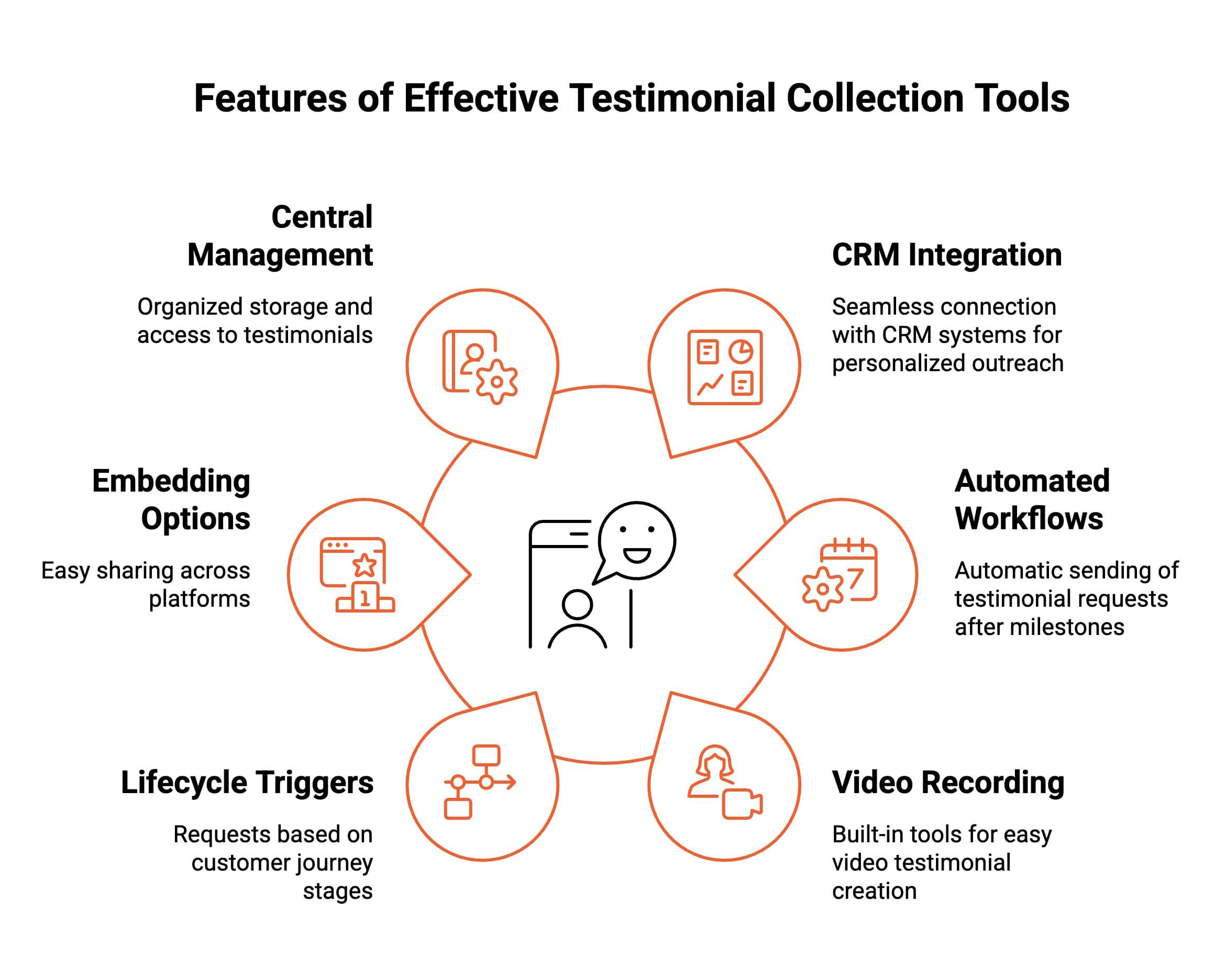
You should evaluate testimonial collection tools based on how well they automate requests, integrate with your CRM, and manage content centrally. The right features ensure testimonials are collected consistently, stored correctly, and reused across marketing and sales without manual effort or scattered workflows and issues.
These features determine whether a tool scales smoothly or creates operational friction.
-
CRM Integration: Native CRM integration, especially with HubSpot, ensures testimonial requests trigger from real customer data and lifecycle stages. This keeps outreach timely, personalized, and measurable while allowing teams to track testimonial progress directly inside contact records without relying on external tools or manual data syncing processes.
-
Automated Testimonial Request Workflows: Automated testimonial request workflows remove manual follow-ups by sending prompts automatically after key milestones. This guarantees consistent outreach, reduces missed opportunities, and increases response rates by reaching customers at moments of genuine satisfaction without adding operational workload for sales or customer success teams internally.
-
Video Testimonial Recording and Hosting: Built-in video testimonial recording and hosting simplify the experience for customers while keeping content centralized. Customers can record without downloads, while teams securely store, review, and reuse videos across campaigns, sales conversations, and landing pages without managing multiple platforms or file transfers manually consistently securely.
-
Contact and Lifecycle-Based Triggers: Contact and lifecycle-based triggers ensure testimonial requests align with real customer journeys. By using stages like onboarding completion or renewal, teams capture feedback at the right time, improving authenticity, relevance, and completion rates while avoiding poorly timed or generic outreach messages that reduce friction significantly.
-
Easy Embedding and Sharing Options: Easy embedding and sharing options allow testimonials to be published quickly across websites, landing pages, email campaigns, and sales assets. This flexibility helps teams activate social proof faster, maintain consistent messaging, and support conversions without developer support or complex content workflows during scaling phases efficiently.
-
Central Testimonial Management: Central testimonial management keeps all submissions organized in one system, making them easy to search, tag, and reuse. This prevents lost assets, duplicated requests, and scattered storage while giving sales and marketing teams reliable access to approved testimonials at any stage of growth cycles globally.
The best testimonial collection tools don’t just capture feedback; they turn testimonials into structured, repeatable assets that support revenue teams at every stage of the customer journey.
Looking for an easier way to capture testimonial videos? Discover automated methods for collecting customer video testimonials that reduce manual effort while boosting participation and response quality.
Which Are 10 the Best Testimonial Collection Tools Built for CRM Workflows?
The best testimonial collection tools for CRM workflows connect testimonials directly to customer data, lifecycle stages, and automation triggers. These tools help teams collect testimonials consistently, personalize outreach, and reuse social proof across sales and marketing without manual effort or disconnected systems slowing growth.
Below are CRM-friendly testimonial collection tools designed for HubSpot-centric workflows.
1. ProofFlow
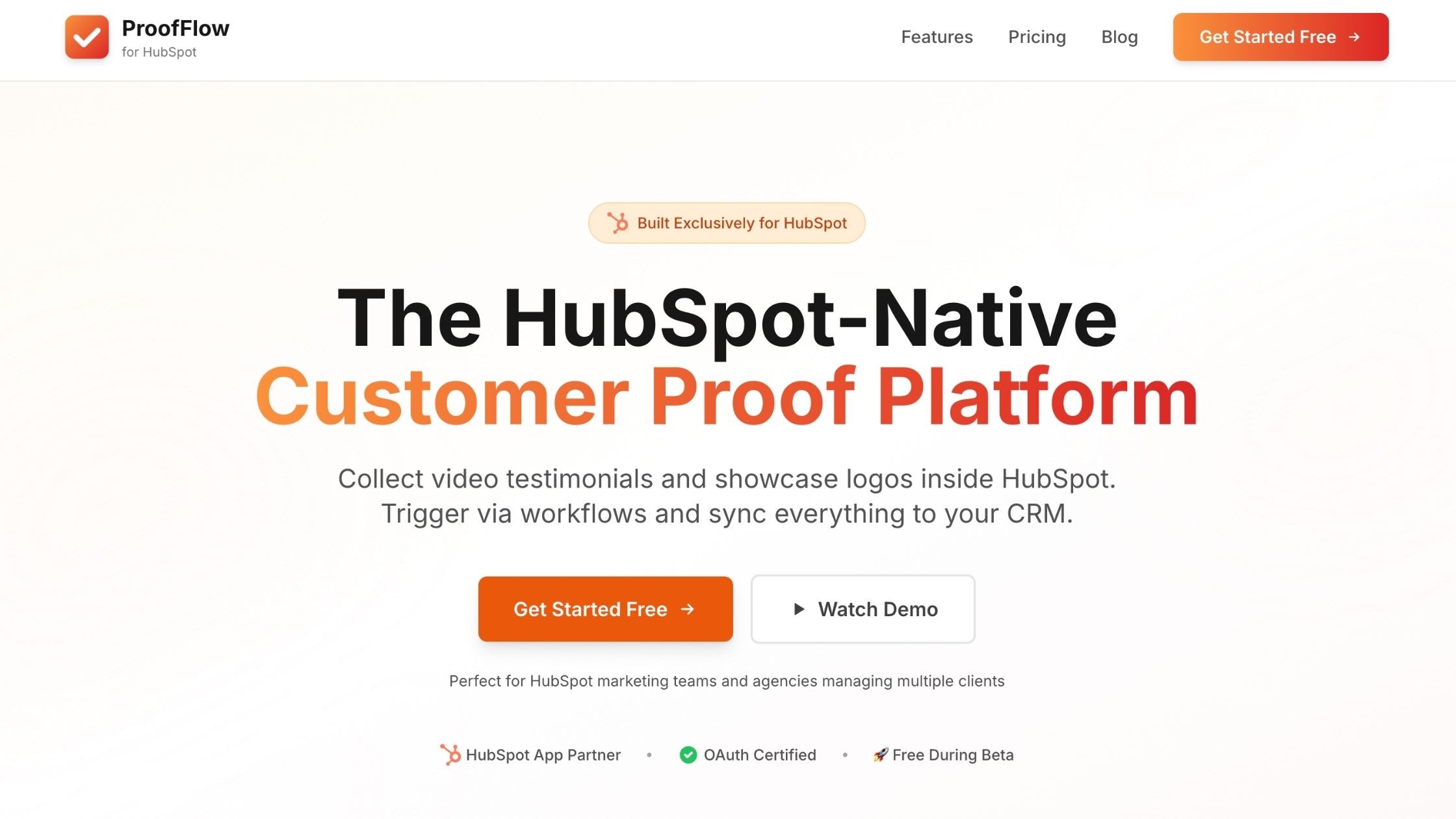
ProofFlow is a HubSpot-exclusive testimonial collection tool built entirely for HubSpot users. Unlike platform-agnostic tools that rely on surface-level integrations, ProofFlow operates directly inside HubSpot lifecycle workflows, making testimonial automation a native extension of your CRM.
The platform automates testimonial requests directly from HubSpot lifecycle stages and workflow triggers, making testimonial collection part of your existing HubSpot automation system rather than an external integration.
ProofFlow does not attempt to be multi-CRM. It is built specifically for HubSpot environments, allowing deeper lifecycle automation, property-based personalization, and workflow-level control.
Automated follow-ups eliminate manual tracking, while video and text testimonial collection supports both formats. The tool focuses on lifecycle-based triggers and deep CRM alignment, making it ideal for B2B teams that prioritize systematic social proof collection tied to actual customer success milestones.
ProofFlow enables repeatable testimonial workflows that scale with business growth.
Key Features
-
Native CRM-based automation triggered from HubSpot lifecycle stages and milestones
-
Personalized video testimonial requests using CRM contact properties
-
Testimonials stored within contact records for cross-team accessibility
-
Testimonials as first-class CRM data, not siloed in a separate tool
-
Automated follow-up sequences without manual tracking
-
Lifecycle-based triggers ensure timely, relevant testimonial requests
Pros
-
Built exclusively for HubSpot with deep native lifecycle automation
-
Personalization based on actual customer data and journey stages
-
Centralized testimonial storage within existing CRM infrastructure
-
Automated follow-ups increase response rates without manual effort
Cons
-
Designed exclusively for HubSpot users; not suitable for teams using other CRMs
-
May require HubSpot expertise for optimal setup
-
Pricing not publicly disclosed on website
Pricing
Custom pricing available based on business needs. Currently free during public beta for early adopters. Enterprise customers should contact the sales team for customized pricing and solutions.
Best For
B2B companies using HubSpot who want testimonial collection integrated directly into their CRM workflows, sales teams needing instant access to relevant social proof during deals, and marketing teams seeking lifecycle-triggered testimonial automation.
It is also ideal for agencies managing multiple HubSpot portals who need isolated testimonial workflows and client-level automation across accounts.
2. Boast
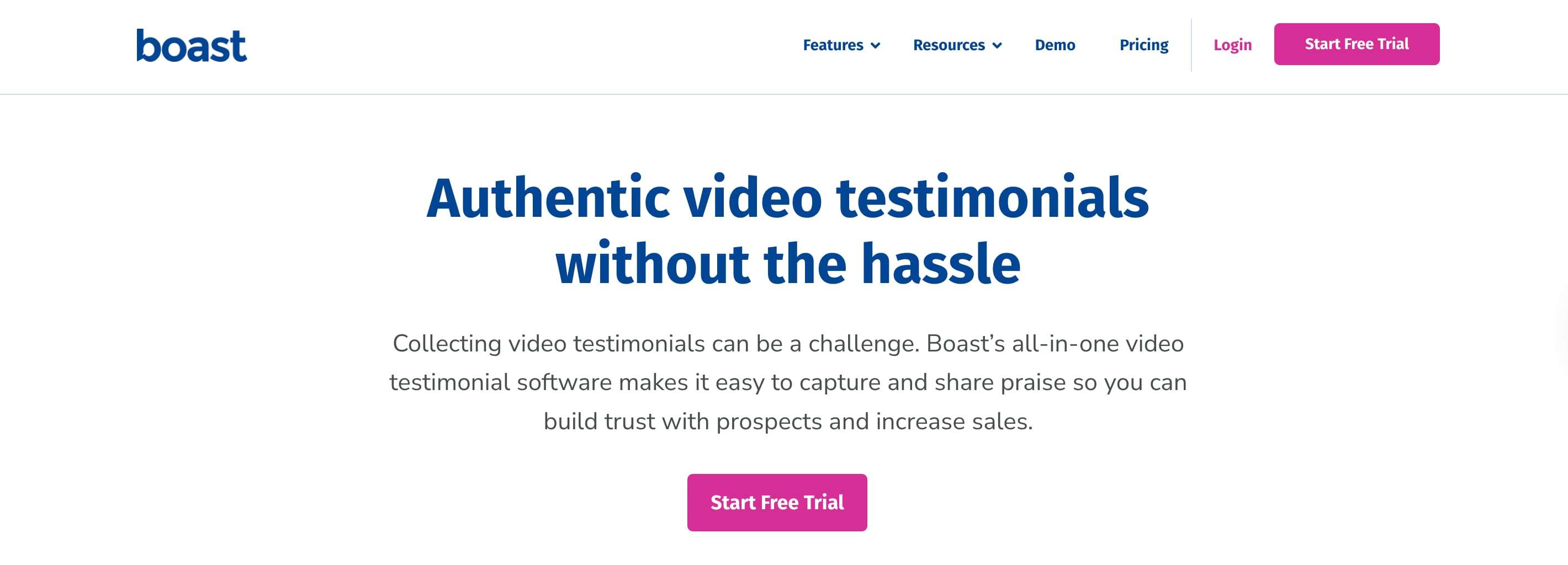
Boast is a video testimonial collection tool with HubSpot CRM integration, designed for teams that want to automate testimonial requests through CRM workflows. The platform supports video and text collection through customizable forms with branded recording experiences, syncing submissions to contact and company records.
Automated campaigns trigger based on lifecycle milestones, while website widgets enable no-code testimonial publishing. Boast offers video editing, organization with tags and locations, and built-in analytics for tracking engagement across testimonial assets.
Key Features
-
Video and text testimonial collection with branded recording experiences
-
HubSpot CRM integration syncing submissions to contact records
-
Automated request campaigns triggered by CRM workflows
-
Website widgets for publishing approved testimonials without developers
-
Video editing and organization with tags, locations, and analytics
Pros
-
Strong video collection with up to 4K quality support
-
HubSpot and Zapier integrations enable CRM connectivity
-
Automated email/SMS drip sequences with reminders
-
Multiple video fields per form for detailed testimonials
Cons
-
Pricing can escalate quickly with video processing needs
-
No free plan, only a 14-day trial
-
Limited integrations compared to enterprise platforms
Pricing
-
Basic: $50 per month, 600 responses per year, 720p HD, 5 forms
-
Team: $100 per month, 1,800 responses per year, 1080p HD, 20 forms
-
Premium: $208 per month, 6,000 responses per year, 4K quality, 50 forms. All plans are billed annually, with 2 months free.
Best For
Growing teams and agencies needing high-quality video testimonials with automation, businesses wanting CRM-connected testimonial workflows, and companies prioritizing video quality for case studies and marketing assets.
3. Testimonial.to
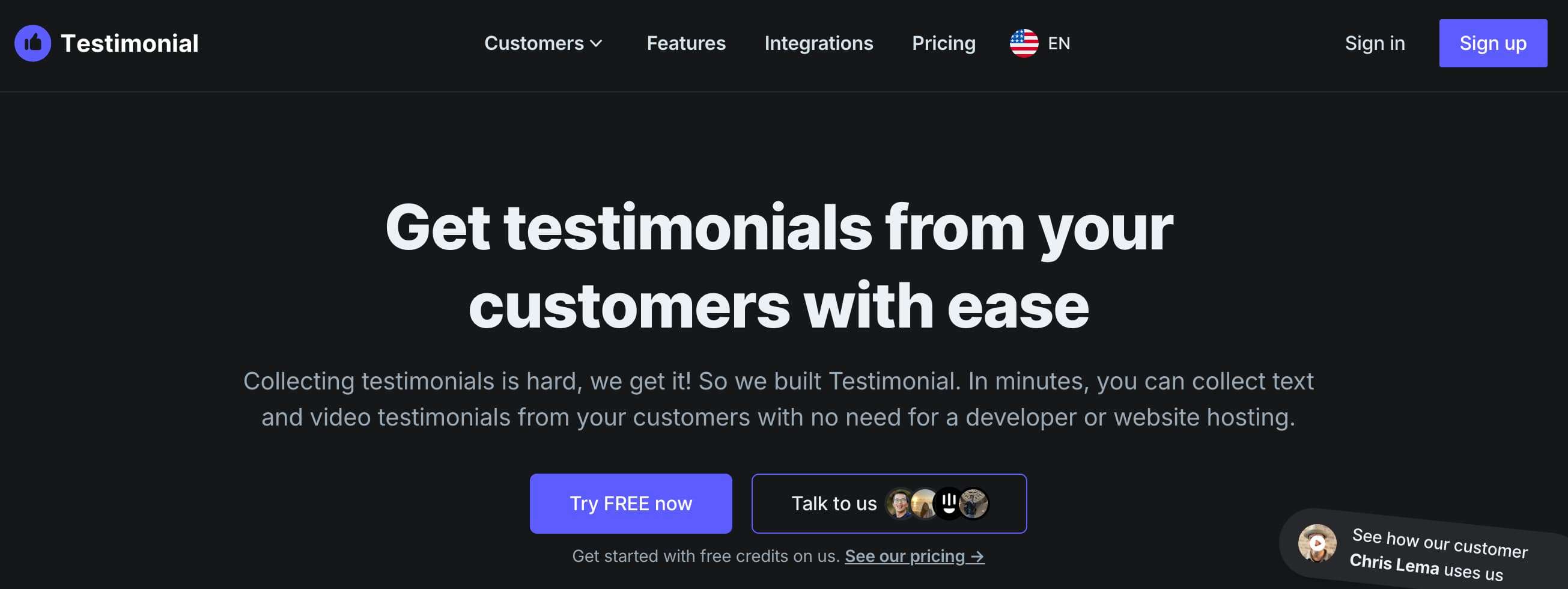
Testimonial.to provides a lightweight solution for collecting video and text testimonials with basic CRM connectivity. The platform focuses on fast setup and simple collection through shareable request links, offering embeddable testimonial walls for quick publishing across websites and landing pages.
Basic CRM integration syncs submissions to contact records, while third-party imports from social platforms and review sites enable centralized testimonial management. The tool prioritizes ease of use over complex automation, making it accessible for small teams.
Key Features
-
Video and text testimonial collection via simple shareable links
-
Basic CRM integration syncing testimonials to contact records
-
Embeddable testimonial walls for websites and landing pages
-
Third-party imports from social media and review platforms
-
Wall of Love feature for showcasing testimonials
Pros
-
Simple setup with no-code options for collection and display
-
Free plan available for basic usage
-
Chrome extension for easy testimonial imports
-
Affordable entry-level pricing
Cons
-
Limited automation compared to CRM-native platforms
-
Basic plan severely restricts video testimonials (only 2 total)
-
Minimal customization options for branded experiences
-
Only 1 workspace, even on paid plans
Pricing
-
Free: Limited to 2 video testimonials
-
Starter Plus: $21 per month, removes branding
-
Premium: $34 per month ($400 annually), unlimited videos, 2 users, 3-minute limit
-
Ultimate: $50 per month ($600 annually), unlimited spaces, 5-minute limit, HubSpot integration
Best For
Solopreneurs and freelancers needing simple testimonial collection, small businesses wanting affordable video testimonial tools, and teams prioritizing ease of use over advanced automation.
4. Vocal Video
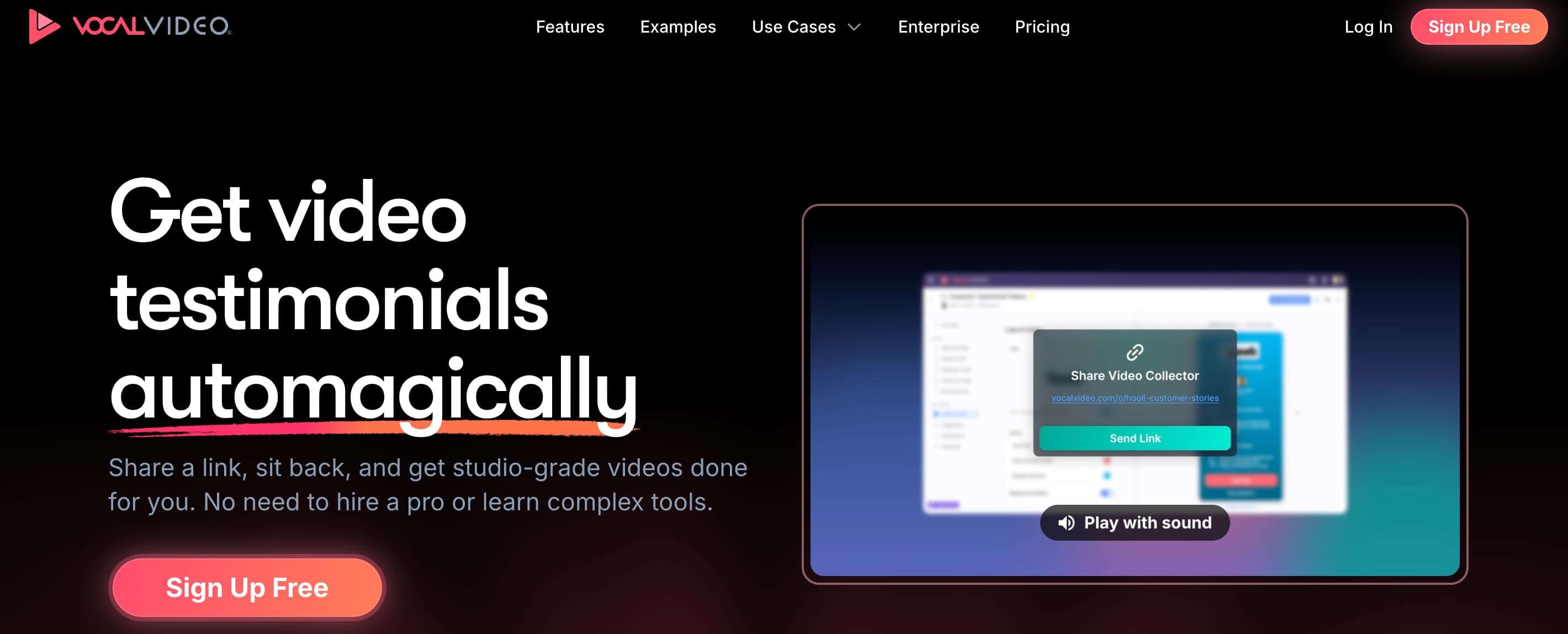
Vocal Video specializes in branded video testimonial experiences with customizable prompts and multi-question sequences. The platform integrates with HubSpot and Zapier for CRM connectivity, enabling testimonial response syncing to contact records. Video hosting and management tools support organizing and approving submissions, while custom landing pages enhance engagement and response rates. The tool focuses on storytelling through video, offering professional-grade editing features and unlimited publishing on paid plans for ongoing testimonial campaigns.
Key Features
-
Branded video recording with customizable prompts and multi-question sequences
-
HubSpot and Zapier integrations for CRM syncing
-
Video hosting and management with approval workflows
-
Custom testimonial landing pages for increased engagement
-
Professional video editing with music, subtitles, and branding
Pros
-
High-quality video output with professional editing features
-
Strong branding customization for consistent look
-
Unlimited video publishing on paid plans
-
Integration with 6,000+ apps via Zapier
Cons
-
Expensive pricing starting at $69 per month (annual only)
-
Video processing limits can require upgrades ($39/month for 120 additional minutes)
-
No monthly billing available, annual commitment required
-
Free plan limited to 5 videos with watermarks
Pricing
-
Free: 5 videos, 720p, watermarked, 20 minutes processing per month
-
Essential: $99 per month (annual), 4 hours video processing, 1,000 requests
-
Pro: $149 per month (annual), 16 hours processing, 12,000 requests, white-label
-
Scale: $249 per month with unlimited video publishing and more
-
Enterprise: Custom pricing starting at $1250 with unlimited processing and dedicated support
Best For
Teams prioritizing professional video quality and branding, businesses running ongoing testimonial campaigns, and companies needing versatile video content for multiple marketing channels.
5. StoryPrompt

StoryPrompt simplifies video testimonial collection through browser-based recording with CRM integrations. The no-download experience reduces customer friction, while automated prompts guide structured testimonial responses. HubSpot integration syncs videos to contact records for follow-up and reuse.
The platform emphasizes ease of use for customers, offering AI-powered features like automatic “uh” and “um” removal, script generation, and transcript creation. Easy sharing and embedding options support multi-channel distribution across marketing assets.
Key Features
-
No-download browser-based video recording
-
HubSpot and CRM integrations syncing videos to contact records
-
AI-guided prompts for structured testimonial responses
-
AI features: script generation, auto-transcription, filler word removal
-
Multi-channel sharing and embedding capabilities
Pros
-
Frictionless customer experience with no downloads required
-
AI assistance for improving video quality and transcripts
-
Competitive pricing starting at $39 per month
-
Free plan available for testing
Cons
-
Limited features compared to enterprise platforms
-
Free plan heavily restricted (15 responses only)
-
Requires Zapier for many integrations rather than native options
-
Customer support issues reported by some users
Pricing
-
Free: 15 video responses, 2-minute limit, SD quality, watermarked
-
Starter: $39 per month, 200 responses, HD quality, branded
-
Pro: $79 per month, AI summaries, payment collection, white-label
-
Premium: $169 per month, unlimited responses, advanced features
Best For
Small to medium businesses focusing on personalized engagement, teams wanting AI-assisted video testimonial collection, and marketers prioritizing customer ease of use over complex workflows.
6. Shoutout
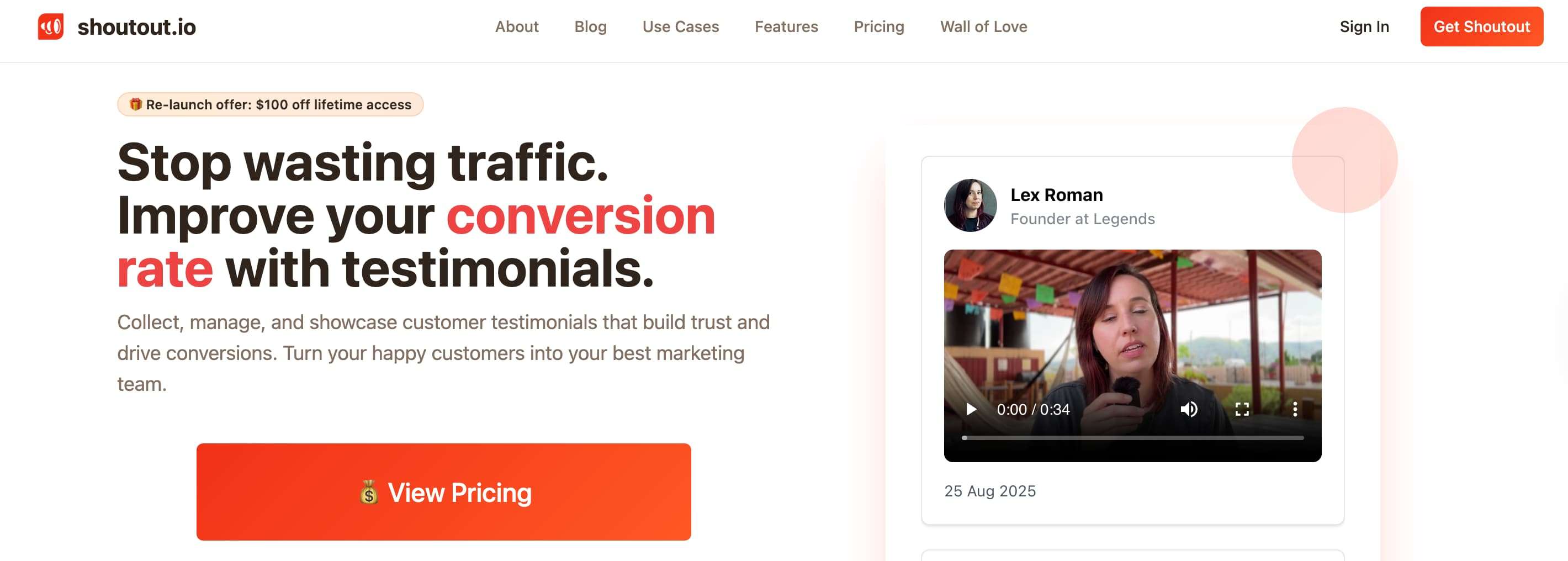
Shoutout helps businesses collect and manage video and text testimonials with CRM integration support. The platform offers customizable request workflows and automated testimonial requests to reduce manual outreach efforts. Approval workflows provide control over published testimonials, while CRM syncing connects submissions with customer contact records.
The tool balances automation and organization without requiring complex configuration, making it accessible for teams new to systematic testimonial collection while still offering essential CRM connectivity.
Key Features
-
Video and text testimonial collection through customizable workflows
-
CRM integration syncing submissions with contact records
-
Automated testimonial requests reduce manual follow-ups
-
Approval workflows for publishing control
-
Simple setup without complex configuration
Pros
-
Straightforward setup and user interface
-
Automated request workflows save time
-
Approval process ensures quality control
-
Affordable pricing compared to enterprise tools
Cons
-
Limited features in free and lower-tier plans
-
Fewer integrations than comprehensive platforms
-
Basic analytics and reporting capabilities
-
Limited customization options for branded experiences
Pricing
-
Monthly plan starts at $15.
-
Pay once plan at $199 for 3 projects.
Best For
Small businesses wanting automated testimonial collection, teams seeking simple CRM-connected workflows, and companies needing basic approval and publishing controls.
7. Famewall
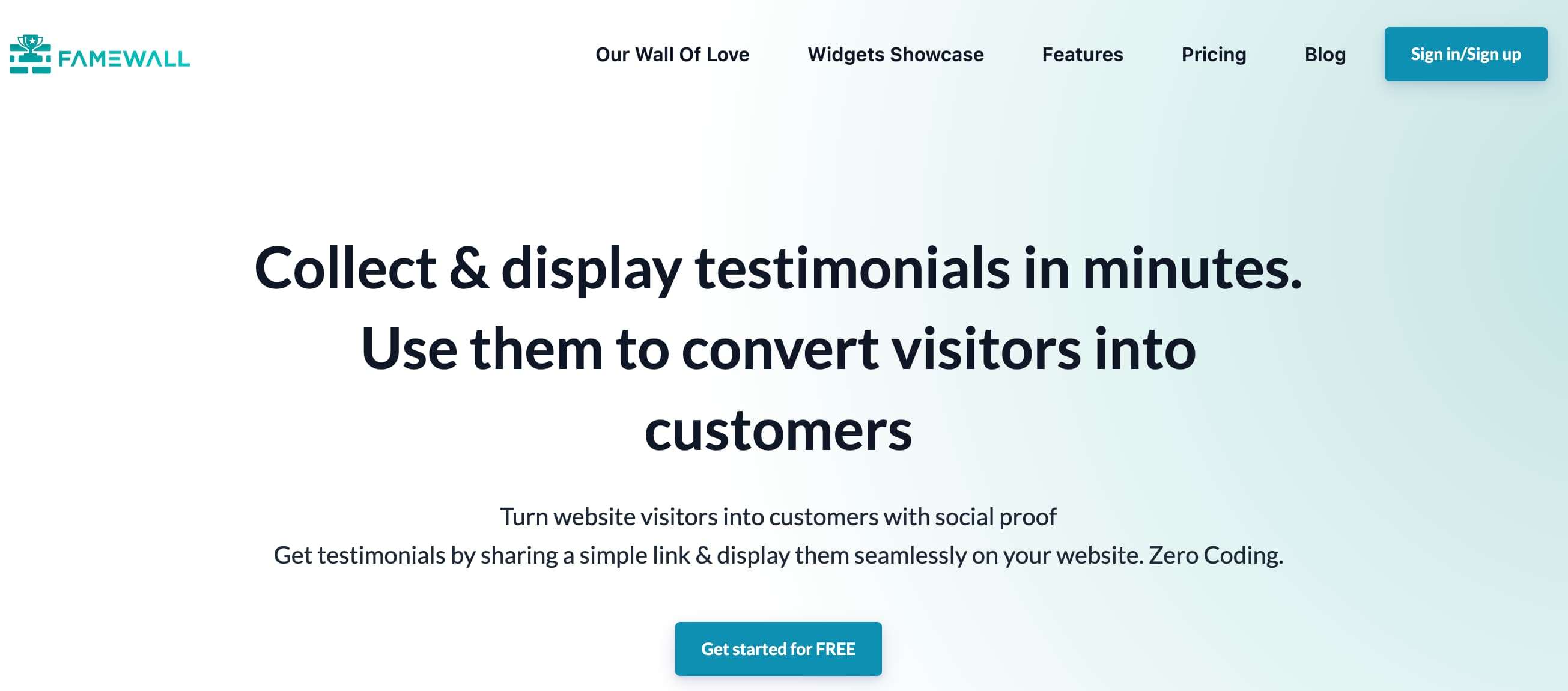
Famewall focuses on collecting testimonials from multiple sources and displaying them as social proof through walls and widgets. The platform supports video testimonial collection alongside text from various channels, with CRM-connected inputs to centralize customer submissions.
Testimonial walls and widgets are designed for easy embedding on websites, landing pages, and product pages. Simple embedding requires no technical setup, while multi-platform imports from social media and review sites enable comprehensive social proof aggregation.
Key Features
-
Video and text testimonial collection from multiple channels
-
Testimonial walls and widgets for website display
-
CRM-connected inputs for centralized submission management
-
No-code embedding across marketing pages
-
Multi-platform imports from social media and review sites
Pros
-
Most affordable option starting at $10 per month
-
Free plan with 10 testimonials (1 video)
-
Simple interface for wall creation
-
Import from 25+ platforms, including Twitter, LinkedIn, and Google Reviews
Cons
-
Very basic widgets compared to advanced platforms
-
No advanced search, tagging, or organization features
-
No video editing capabilities
-
Limited to basic use cases
Pricing
-
Free: 10 testimonials, 1 video, 1 wall Standard: $10 per month ($12 monthly), 6 videos, 4 walls, 2-minute limit.
-
Standard: starting at $9.99 per month includes everything in free plan
-
Professional: $24.99 per month, unlimited videos, 15 walls, 3-minute limit.
-
Business: $79.99 per month, unlimited everything, 10 team members, 5-minute limit.
Best For
Startups on tight budgets needing basic social proof, entrepreneurs wanting simple testimonial walls, and small businesses prioritizing affordability over advanced features.
8. Senja
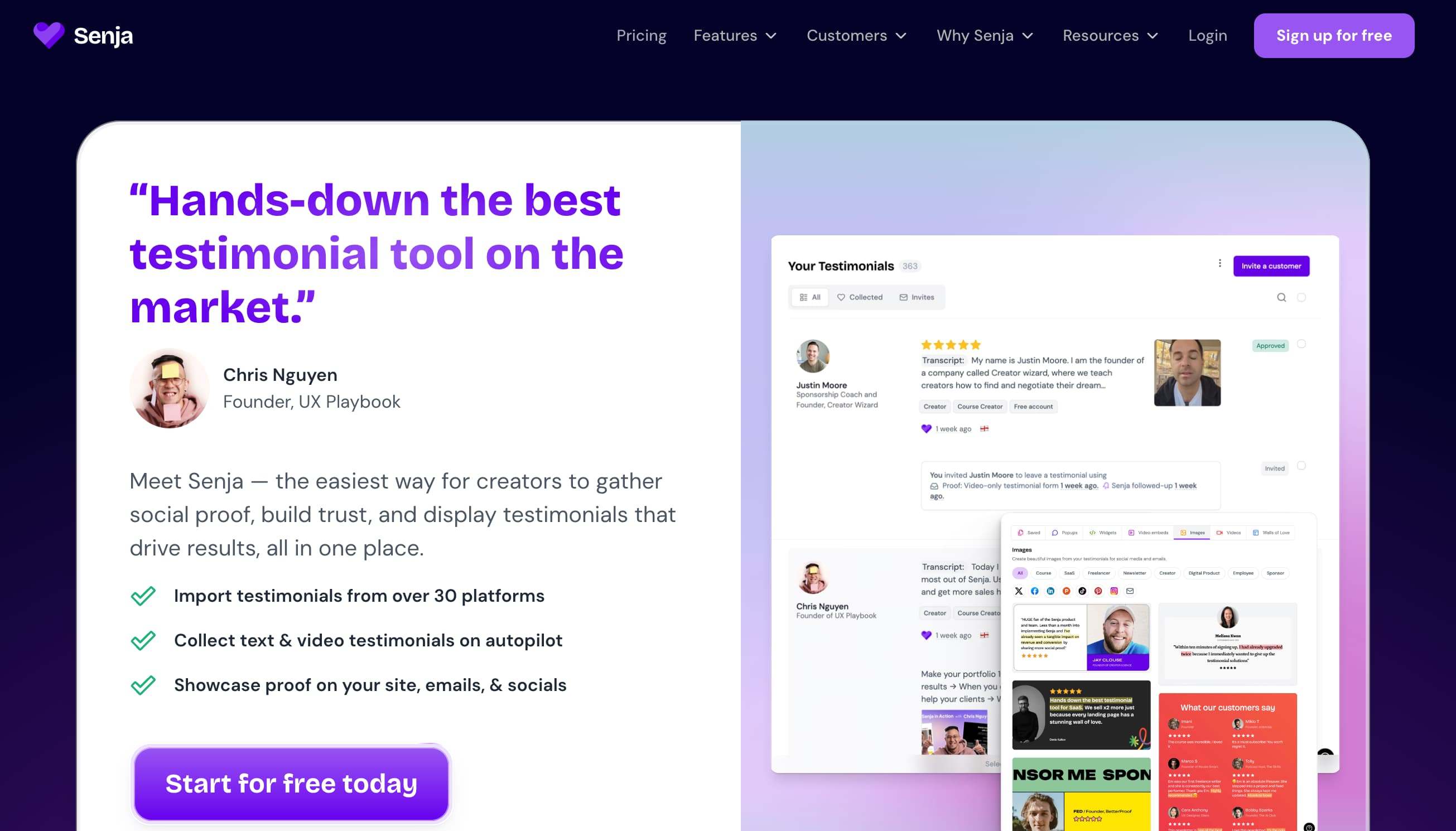
Senja is a video-first testimonial collection tool optimized for fast recording and sharing with CRM integration support. The platform emphasizes quick submission with minimal customer friction, offering shareable request links for simplified collection workflows.
CRM integration enables testimonial syncing to contact records, while a testimonial library helps teams organize and reuse approved submissions.
The tool balances ease of use with powerful features, including unlimited video testimonials on paid plans and extensive import capabilities from 20+ platforms.
Key Features
-
Video-optimized recording for quick, frictionless submission
-
CRM integration syncing testimonials to contact records
-
Shareable request links simplifying outreach workflows
-
Testimonial library for organizing approved submissions
-
Import from 20+ platforms including social media and review sites
Pros
-
Generous free plan with 15 testimonials (can be all video)
-
Most affordable unlimited video plan at $16 per month
-
Unlimited walls of love on free tier
-
Extensive customization and sharing options
Cons
-
Less focus on automation compared to CRM-native tools
-
Fewer enterprise-grade features
-
Limited advanced analytics on lower tiers
Pricing
-
Free: 15 testimonials (video or text), unlimited walls
-
Starter: $29 per month, unlimited testimonials and walls
-
Pro: $59 per month ($35 monthly), all features, priority support.
Best For
Creators, freelancers, and SaaS companies needing affordable video testimonials, teams wanting generous free plans for testing, and businesses prioritizing cost-effectiveness with full features.
9. Endorsal
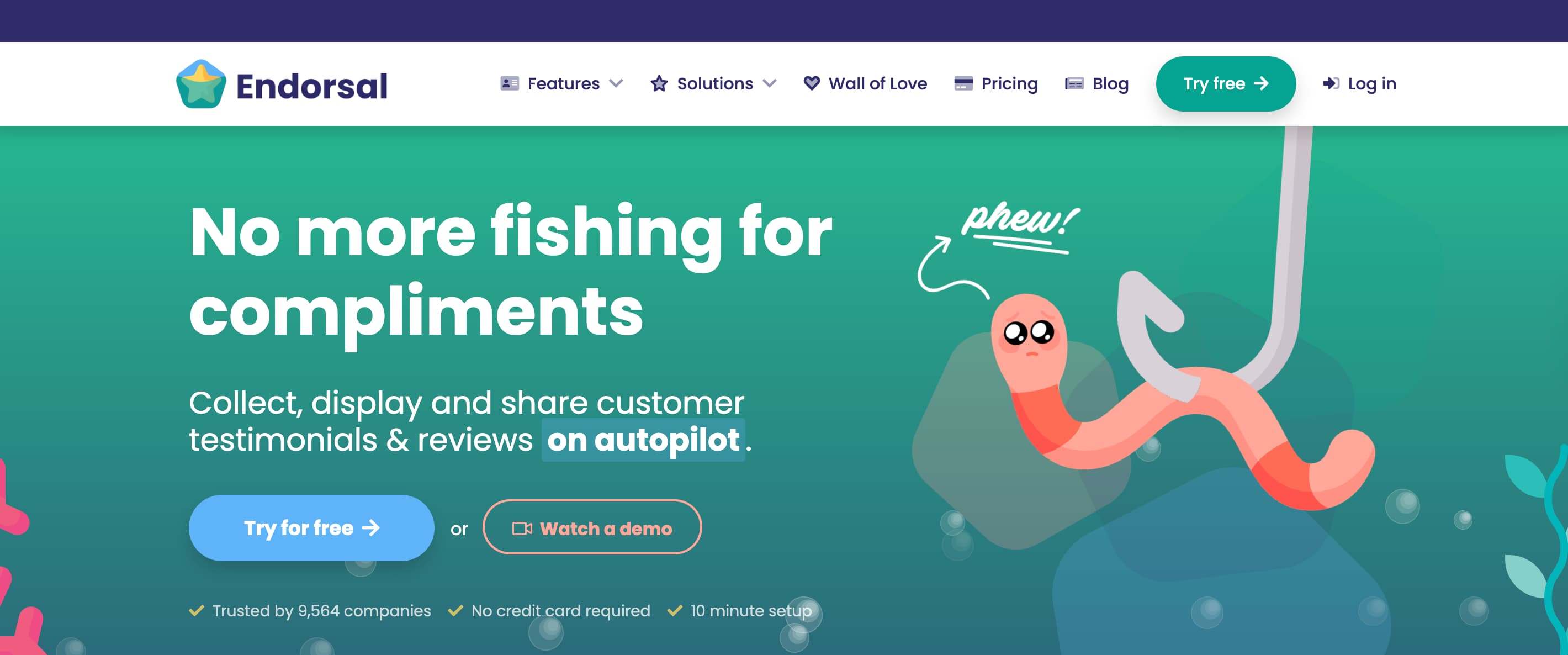
Endorsal focuses on automating testimonial requests and follow-ups with CRM integration support. The platform offers automated request workflows triggered by customer actions or predefined CRM rules, streamlining collection efforts.
Testimonial tagging and organization features support easier reuse across marketing campaigns, while website widgets enable publishing without development resources.
The tool combines automation with centralized approval controls, helping teams maintain consistent quality while scaling testimonial collection across customer segments.
Key Features
-
Automated testimonial request workflows triggered by CRM rules
-
CRM integrations for syncing submissions to customer records
-
Testimonial tagging and organization for campaign reuse
-
Website widgets for no-code publishing
-
Approval workflows for quality control
Pros
-
Strong automation reduces manual effort
-
Good organization features with tagging
-
Automated follow-ups improve response rates
-
Simple publishing with widgets
Cons
-
Expensive starting price at $29 per month with heavy restrictions
-
Limited to 2,500 visitors and 10 videos on basic plan
-
Basic plan limits to 500 total customers
-
Requires separate accounts for multiple projects
Pricing
-
Starter: $39 per month, offering 1 property, up to 500 total customers.
-
Professional: $79 per month, offering 3 properties, up to 500 total customers.
Best For
Businesses wanting automated testimonial workflows, teams needing organized testimonial libraries with tagging, and companies requiring approval controls before publishing.
10. Trustmary
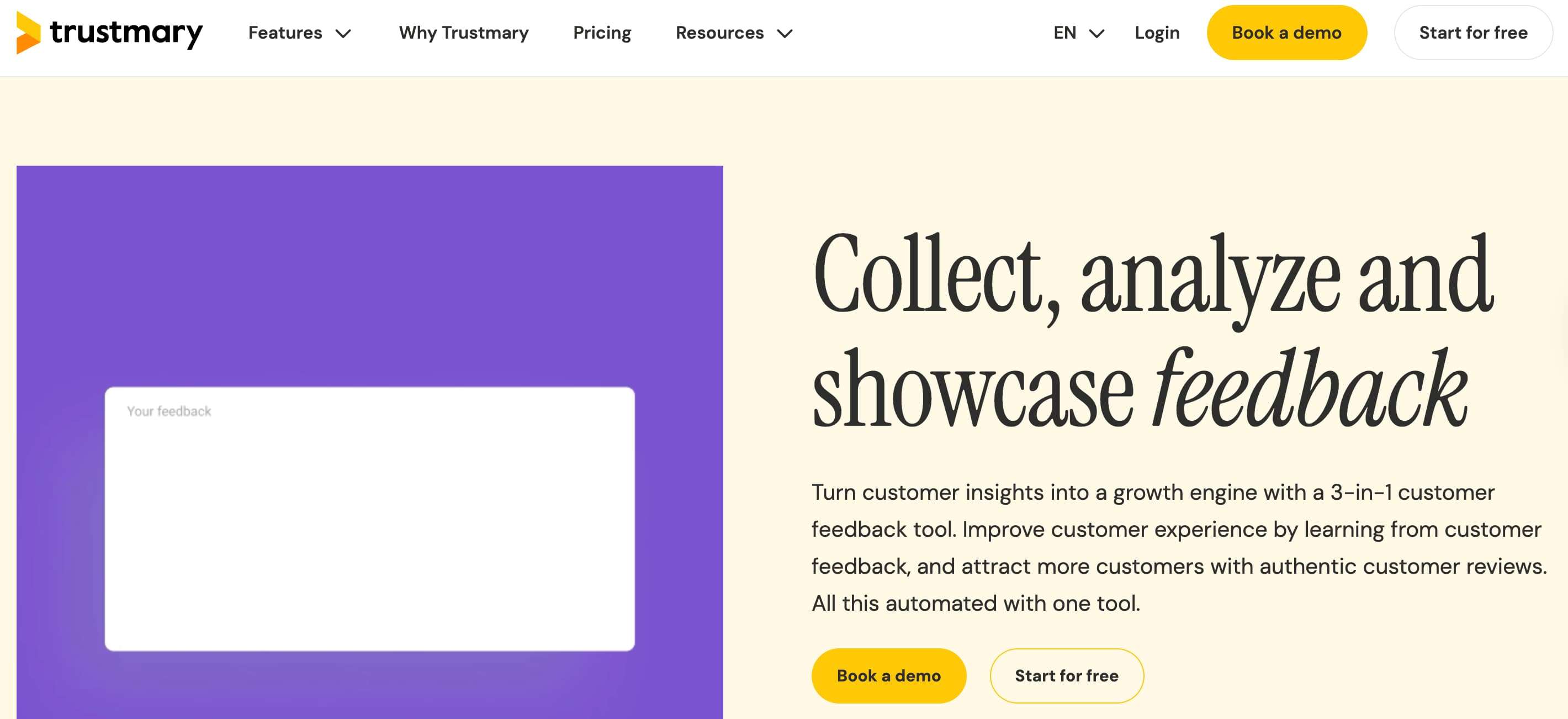
Trustmary combines testimonial and review collection with CRM integration options, helping businesses gather, manage, and publish customer feedback across multiple channels from a centralized system.
The platform supports video and text testimonials alongside customer reviews, with automated request workflows triggered after key customer interactions.
CRM integration capabilities enable syncing testimonials with customer data, while website widgets display testimonials across marketing pages. The tool offers advanced features like sentiment analysis and lead capture forms.
Key Features
-
Video and text testimonial collection with review aggregation
-
Automated request workflows after customer interactions
-
CRM integration syncing testimonials with customer data
-
Website widgets for multi-page display
-
Advanced features: sentiment analysis, lead capture
Pros
-
Comprehensive solution combining testimonials and reviews
-
Advanced analytics and sentiment analysis
-
Interactive video player with clickable CTAs
-
Multi-channel distribution options
Cons
-
Confusing pricing model with separate products
-
Expensive compared to competitors
-
Limited to specific view/response counts per plan
-
No free plan for full testimonial features
Pricing
-
Solo: $0 per month, best for solo businesses, offering 5 monthly survey responses, 200 monthly widget views, import reviews, add reviews to website, collect feedback and reviews, and review page. No credit card required.
-
Build Your Plan: Starting at $26 per month, customizable plan with 10 monthly survey responses and 5,000 monthly widget views, with adjustable limits based on business needs.
-
Starter: $203 per month, best for small organizations, offering 10 monthly survey responses and 5,000 monthly widget views, with customizable limits and features.
-
Business: $463 per month, best for growing organizations, offering 50 monthly survey responses and 25,000 monthly widget views, with customizable limits and features.
Best For
Larger enterprises with higher budgets needing comprehensive review management, teams wanting advanced analytics and sentiment analysis, and businesses requiring multi-channel testimonial distribution.
CRM-based testimonial collection tools outperform generic platforms by embedding social proof directly into customer journeys, making testimonials automated, organized, and reusable across sales, marketing, and customer success teams.
How does automation turn customer feedback into revenue impact? See how marketing automation platforms organise, distribute, and activate testimonials to strengthen credibility and improve buyer engagement.
How Does CRM-Based Testimonial Automation Work?
CRM-based testimonial automation works by triggering testimonial requests from real customer milestones and storing responses inside the CRM. This removes manual follow-ups, ensures consistent timing, and allows testimonials to be reused across teams as structured, searchable assets rather than scattered content.
The workflow typically follows a clear, repeatable sequence:
Step 1: Customer Reaches a Success Milestone
The automation begins when a customer reaches a predefined success milestone, such as onboarding completion, renewal, positive feedback, or goal achievement. Using lifecycle stages ensures testimonial requests are sent only after real value is delivered, improving authenticity and increasing the likelihood of meaningful, high-quality responses.
Step 2: CRM Triggers a Testimonial Request Email
Once the milestone is reached, the CRM automatically sends a personalized testimonial request email. The message uses CRM data like name, role, and context to feel relevant, timely, and human, eliminating manual outreach while maintaining consistent messaging across all customer segments.
Step 3: Customer Submits a Video or Text Testimonial
Customers submit a video or text testimonial through a simple, frictionless experience without downloads or complex steps. Guided prompts help customers share specific outcomes, making responses clearer and more useful for sales and marketing while keeping participation effortless and time-efficient for customers.
Step 4: Testimonial Is Stored and Tagged in the CRM
After submission, the testimonial is automatically stored inside the CRM and tagged by customer type, product, industry, or use case. This organization makes testimonials easy to search, filter, and match with specific sales scenarios or marketing campaigns later.
Step 5: Sales and Marketing Teams Reuse Testimonials
Sales and marketing teams access testimonials directly from the CRM to use in emails, landing pages, decks, and ads. This ensures consistent social proof across channels, shortens sales cycles, and turns customer advocacy into a repeatable, revenue-supporting process rather than one-off content.
By automating testimonial collection inside the CRM, teams transform customer feedback into a scalable system that continuously fuels trust, conversions, and growth.
What makes testimonials so powerful inside HubSpot? Learn how HubSpot-driven customer testimonials build trust and influence purchase decisions, helping sales teams move deals forward faster.
How Do Video Testimonial Collection Tools Improve B2B Sales Outcomes?
Video testimonial collection tools improve B2B sales outcomes by building trust, reducing perceived risk, and supporting longer buying cycles. Seeing real customers share results helps decision-makers gain confidence faster, especially when multiple stakeholders evaluate credibility, relevance, and proof before committing to high-value purchases.
CRM-based workflows make this impact consistent and scalable.
-
Request Testimonials at the Right Time: CRM-based video testimonial tools trigger requests at moments of proven customer success, such as onboarding completion or milestone achievements. Correct timing increases authenticity and response rates, ensuring testimonials reflect real value rather than generic praise collected too early or after customer engagement momentum fades.
-
Match Testimonials to Specific Buyer Personas: Using CRM data, video testimonials can be categorized by role, industry, company size, or use case. This allows teams to present highly relevant proof, helping prospects identify with similar customers and increasing confidence during complex B2B evaluations involving multiple decision-makers.
-
Equip Sales Teams With Relevant Proof Points: Storing video testimonials inside the CRM gives sales teams instant access to relevant proof during outreach, demos, and negotiations. This strengthens objection handling, shortens sales cycles, and supports outbound and enterprise deals where peer validation strongly influences final purchase decisions.
When powered by CRM automation, video testimonial collection becomes a repeatable trust engine that directly supports B2B revenue growth.
Conclusion
A testimonial collection tool is no longer optional for businesses that rely on trust, credibility, and social proof. When built into a CRM, testimonial collection becomes automated, personalized, and scalable.
CRM-based tools, especially those aligned with platforms like HubSpot, offer a significant advantage over standalone solutions. When testimonials are treated as structured data, not static content, they become one of your most powerful growth assets.
Frequently Asked Questions
What is the best testimonial collection tool?
The best testimonial collection tool depends on your tech stack and goals. If you use HubSpot, a CRM-native tool like ProofFlow gives you the deepest automation. For simpler needs, platforms like Senja or Testimonial.to offer affordable options with video support and easy setup.
Are video testimonial tools better than text?
Video testimonials generally outperform text because they convey emotion, tone, and authenticity in ways written quotes cannot. Seeing a real person describe their experience builds stronger trust with prospects and tends to drive higher engagement on landing pages and in sales conversations.
Can HubSpot be used as a testimonial collection tool?
HubSpot alone does not have built-in testimonial collection features, but tools like ProofFlow add this capability natively inside HubSpot workflows. This lets you trigger testimonial requests automatically based on lifecycle stages, store responses on contact records, and use them across sales and marketing.
Do testimonial collection tools work for e-commerce?
Yes. Many testimonial tools support e-commerce by offering embeddable widgets, review walls, and video testimonials that can be displayed on product pages, landing pages, and checkout flows. Tools like Famewall and Testimonial.to are popular choices for e-commerce use cases.
Are there any free testimonial collection tools worth trying?
Several tools offer useful free plans. Senja provides 15 free testimonials with video support, Testimonial.to offers a limited free tier, and Famewall includes 10 testimonials on its free plan. These are good options for validating your workflow before committing to a paid plan.
What are some popular testimonial collection tools used by businesses in 2026?
Popular tools in 2026 include ProofFlow for HubSpot-native automation, Boast for high-quality video, Senja for affordable video-first collection, Vocal Video for branded experiences, and Trustmary for combining testimonials with review management. The best choice depends on your CRM, budget, and whether you prioritize video or automation.
Ready to automate your testimonial collection?
Get full access to ProofFlow at no cost during our free beta. The complete testimonial automation platform for HubSpot.
Get Started Free