What Are the Top Testimonial Management Tools for 2026?
Key Highlights
-
A testimonial management tool simplifies collecting, managing, and sharing customer testimonials.
-
Modern testimonial software supports both text and engaging testimonial videos.
-
Key features to look for include a simple user interface, integration options, and security.
-
Using these tools builds powerful social proof and boosts your brand’s reputation.
-
Many platforms offer a free plan, making it easy to start leveraging customer feedback.
-
Video testimonials add a layer of authenticity that text reviews sometimes lack.
Customer testimonials are no longer just static quotes on a website. In 2026, high-performing teams treat testimonials as dynamic assets, collected, managed, and deployed directly from their CRM. That’s why choosing the right testimonial management tool has become a critical decision for B2B and growth-focused businesses.
This guide breaks down the best testimonial management tools for 2026, with a specific focus on tools that integrate with CRM platforms like HubSpot. You’ll also learn best practices for managing video testimonials, how testimonial management tools support review collection and publishing, and which tools work best for B2B use cases.
What Is a Testimonial Management Tool?
Most businesses know testimonials increase trust, but actually collecting, approving, and keeping them up to date is messy and time-consuming. Customer feedback and testimonials end up scattered across emails, forms, screenshots, and internal docs, making it difficult to approve, update, and reuse consistently.
A testimonial management tool brings everything into one centralized system, allowing teams to collect, organize, and publish testimonials efficiently across marketing and sales, without manual follow-ups or fragmented workflows.
Unlike basic review platforms like Google Reviews or marketplaces such as G2 and Capterra, modern testimonial management platforms support:
-
**Collecting text and video testimonials at the right moment: **For example, a customer success manager automatically triggers a testimonial request after a successful onboarding or renewal call, capturing authentic feedback while the experience is still fresh.
-
**Running CRM-based testimonial workflows across teams: **Sales, success, and marketing teams can see which customers have been asked, who has responded, and which testimonials are approved, without chasing updates across email threads or spreadsheets.
-
**Managing approval and consent without legal bottlenecks: **Marketing teams can confidently reuse testimonials because permissions, edits, and customer approvals are tracked in one place, reducing back-and-forth and compliance risk.
-
**Publishing testimonials exactly where buyers need reassurance: **Growth teams can quickly place the right testimonial on pricing pages, landing pages, or case study sections to support conversion at key decision points.
-
**Syncing testimonials into existing marketing and sales tools: **Approved testimonials can flow directly into email campaigns, sales decks, or automation tools, so social proof becomes part of everyday workflows, not a one-off asset.
For CRM-driven teams, the real value lies in managing testimonials as structured, reusable data, not scattered emails or screenshots.
Why Does CRM-Based Testimonial Management Matter in 2026?
CRMs like HubSpot, Salesforce, and Pipedrive already capture the moments when customer advocacy is most likely: a deal closing, a renewal confirmed, a successful rollout completed. That context is rich, time-sensitive, and predictive of who is most willing to share their experience.
Yet for many teams, testimonials live outside the CRM, scattered across forms, inboxes, shared drives, or standalone tools. The cost isn’t just inefficiency. It’s lost timing, lost relevance, and lost revenue impact. Requests are sent too late, testimonials are reused generically, and strong customer proof never reaches the moments in the funnel where it could influence a buying decision.
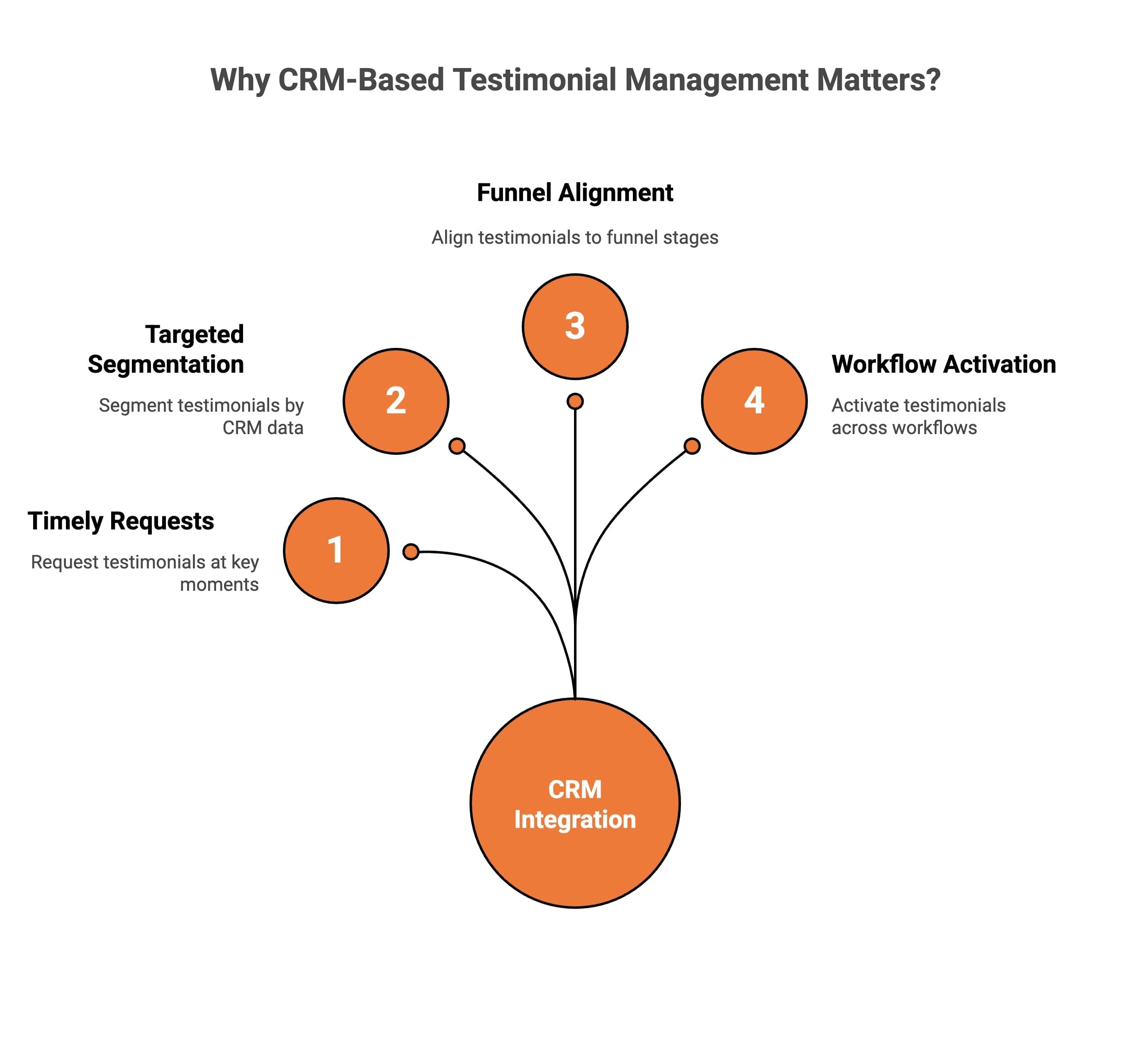
When teams reconnect testimonials to CRM context, social proof becomes operational rather than aspirational. In practice, this enables teams to:
-
Request testimonials at decisive lifecycle moments, such as deal close, onboarding completion, or renewal, while customer momentum is still high
-
Segment testimonials by persona, industry, or account type using existing CRM data instead of generic tagging
-
Align testimonials to funnel stages, ensuring the right proof appears on pricing pages, nurture emails, and sales follow-ups
-
Activate testimonials across sales, email, and web workflows, so customer proof supports revenue motions rather than sitting idle
This is especially important for B2B businesses, where trust signals directly impact deal velocity.
What Are the Best Practices for Managing Video Testimonials?
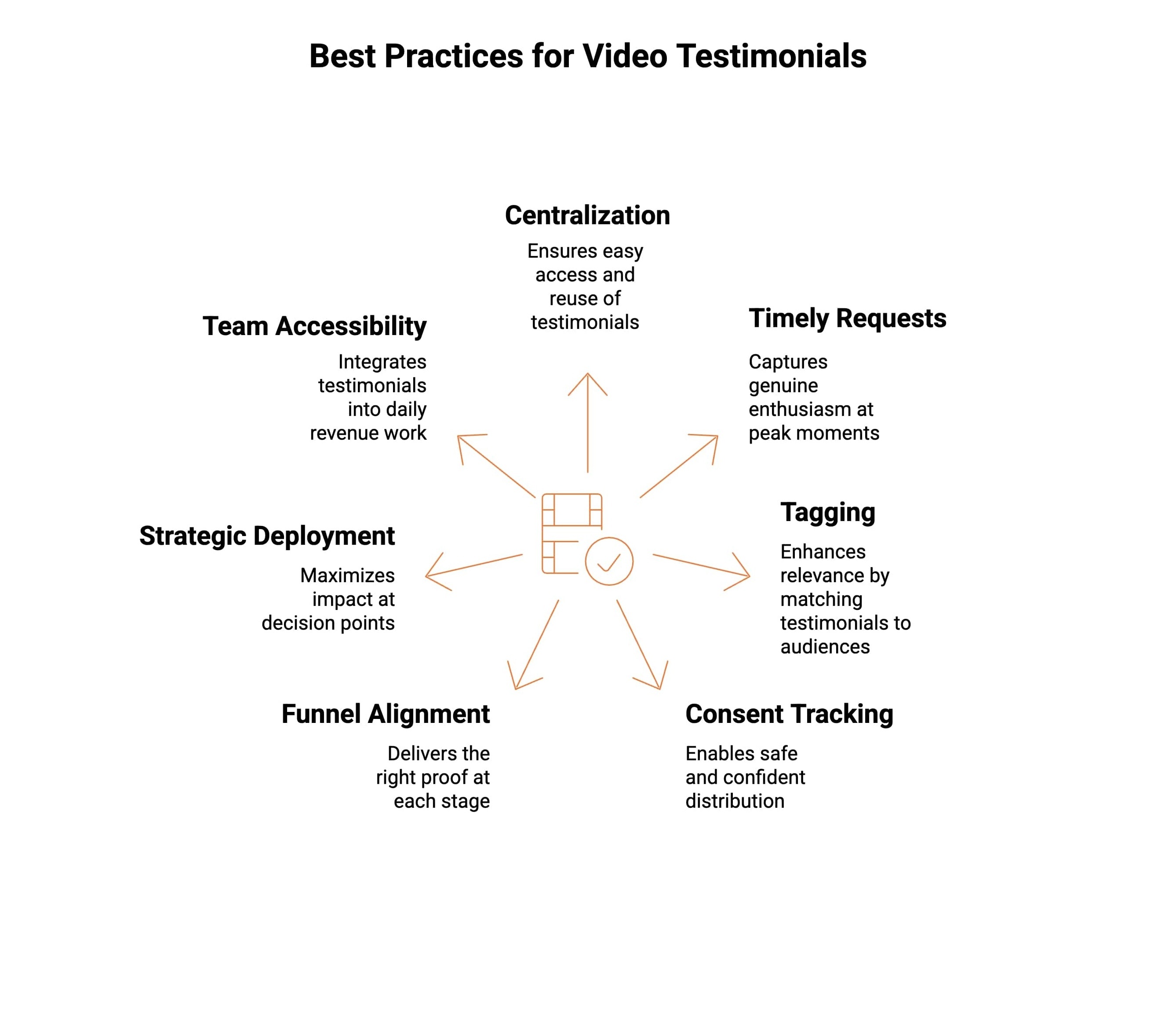
Managing video testimonials effectively requires more than just collecting recordings. The difference between basic collection and real impact lies in how videos are organized, tracked, and used across the customer journey.
Following these best practices helps video testimonials stay usable, compliant, and persuasive.
1. Centralize All Video Testimonials in One System
When video testimonials are scattered across inboxes, drives, or folders, they rarely get reused. Keeping everything in one place makes it easy for anyone on the team to find approved videos and confidently use them when they actually need social proof.
Why this matters: If testimonials are hard to access, they don’t get used.
2. Request Video Testimonials at High-Momentum Lifecycle Moments
The best time to ask for a testimonial is right after a win, not weeks later. Requesting feedback after onboarding success, renewals, or positive outcomes captures genuine enthusiasm while the experience is still fresh.
Why this matters: Timing improves both response rates and authenticity.
3. Tag Testimonials Using CRM Attributes
A testimonial is far more powerful when it feels relevant. Tagging videos by industry, role, company size, or use case helps teams quickly find stories that match the audience they’re speaking to.
Why this matters: People trust testimonials that look like them.
4. Track Consent and Usage Permissions by Default
Video testimonials often go unused because no one is sure where they can be shared. Clear consent and usage tracking removes hesitation and protects the business when videos are reused across websites, ads, and sales materials.
Why this matters: Confidence enables wider, safer distribution.
5. Align Testimonials to Funnel and Buying Stages
Not every testimonial works at every moment. Early buyers want validation, while late-stage prospects want reassurance. Matching testimonials to where someone is in the journey makes them feel helpful rather than generic.
Why this matters: The right proof at the right time drives decisions.
6. Deploy Testimonials Only at High-Intent Decision Points
Video testimonials work best when someone is close to making a decision: on pricing pages, after demos, or during proposal reviews. This is where trust matters most and social proof carries real weight.
Why this matters: Context determines impact.
7. Make Testimonials Accessible Across Revenue Teams
Testimonials shouldn’t live only with marketing. When sales and customer success teams can easily use them in conversations and follow-ups, social proof becomes part of everyday revenue work.
Why this matters: Testimonials influence outcomes, not just page views.
When video testimonials are managed with structure and intent, they become long-term assets rather than one-off pieces of content.
How Do Testimonial Management Tools Help Collect and Publish Customer Reviews?
Most teams already know how to ask for testimonials. The real challenge is consistency, timing, and follow-through. Automation shifts testimonials from a manual, ad-hoc task into a repeatable system that runs alongside revenue workflows, without relying on reminders or best intentions.
Here’s what those changes mean in practice:
-
**Testimonials are requested when customer sentiment is highest: **Instead of asking “who should we reach out to?”, requests are triggered directly from CRM or lifecycle tools after meaningful moments like a closed deal or successful onboarding. Timing improves response rates and authenticity, while removing guesswork and manual chasing.
-
**Customers respond in the format that feels easiest: **Branded collection pages let customers choose between text or video without friction. The experience feels intentional and professional rather than improvised. Lower effort for customers leads to higher completion rates and richer testimonials.
-
**Testimonials stop getting stuck in review limbo: **Central moderation replaces scattered approvals across emails and docs. Teams see what’s pending, approved, or ready to use in one place. Faster approvals mean testimonials move from inboxes to impact instead of going unused.
-
**Social proof becomes usable across the funnel, not just visible: **Approved testimonials flow directly into websites, email campaigns, sales decks, and follow-ups, exactly where trust influences decisions. Testimonials shift from passive content to active conversion assets.
Automation doesn’t just save time. It changes how testimonials behave inside the business, from one-off marketing artefacts to a systemized trust layer that supports sales, marketing, and customer success continuously.
What are the Top Testimonial Management Tools for CRM Platforms (2026)?
Below are the leading testimonial management tools, reviewed specifically through the lens of CRM integration, HubSpot compatibility, and real-world B2B usability.
1. ProofFlow: Best Overall Testimonial Management Tool for CRM Teams
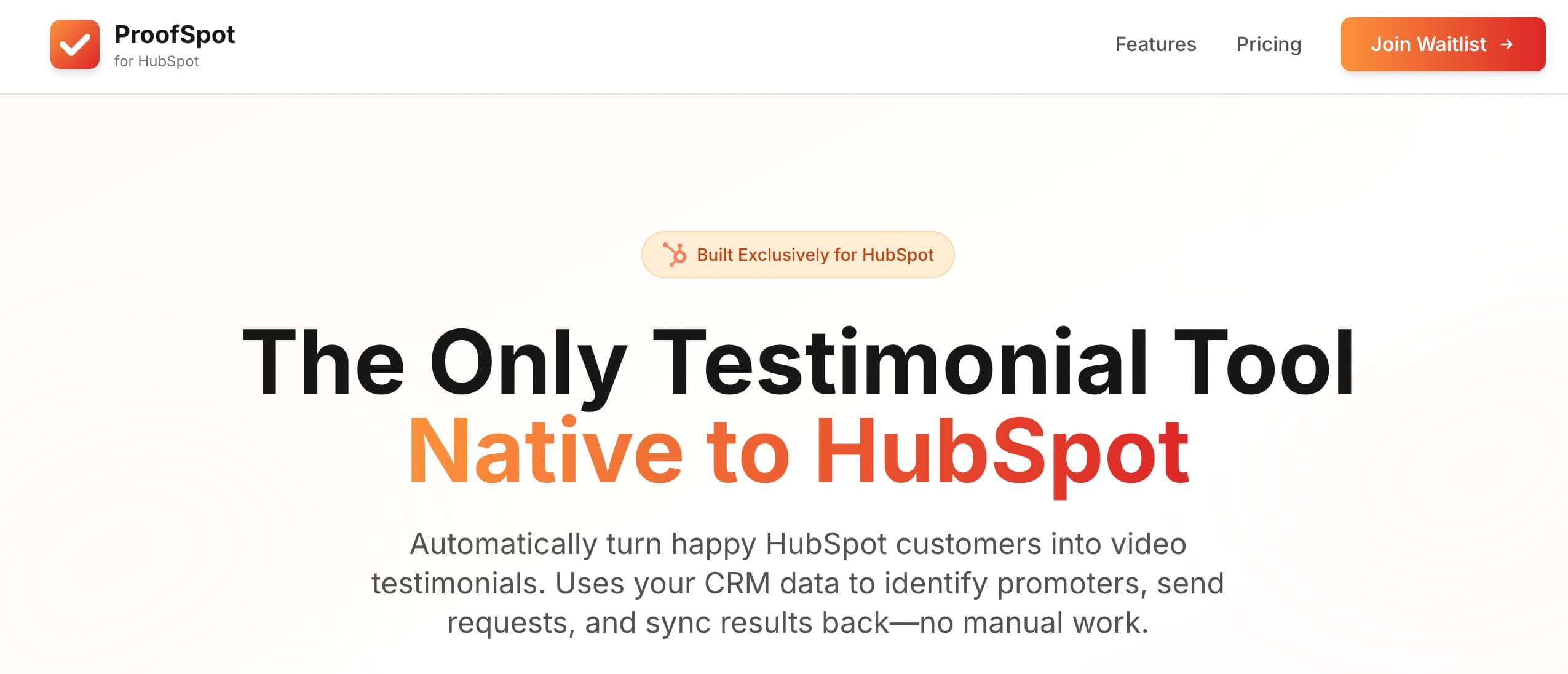
ProofFlow is built specifically for B2B teams that want testimonial management to work hand-in-hand with their CRM and revenue workflows. Instead of treating testimonials as isolated website elements, ProofFlow helps teams collect, manage, and activate both text and video testimonials using real customer lifecycle data.
This CRM-first approach makes ProofFlow especially effective for teams running HubSpot or similar CRM-led growth strategies.
Key Features
-
Automated testimonial requests that trigger from CRM events such as deal closure or onboarding completion.
-
Support for both text and video testimonials, allowing teams to capture authentic customer stories in multiple formats.
-
Centralized moderation, approval, and consent tracking to keep testimonial usage organized and compliant.
-
Easy embedding of testimonials across CRM-connected pages, campaigns, and sales assets.
Pricing:
-
Free: $0/month
-
Pro:$ 79/month
-
Agency: $199/month
ProofFlow stands out as the most complete testimonial management solution for CRM-driven teams. Get started free if you want testimonials that actually show up at the moments that move deals forward.
2. HubSpot: Best Native CRM Option for Basic Testimonial Management
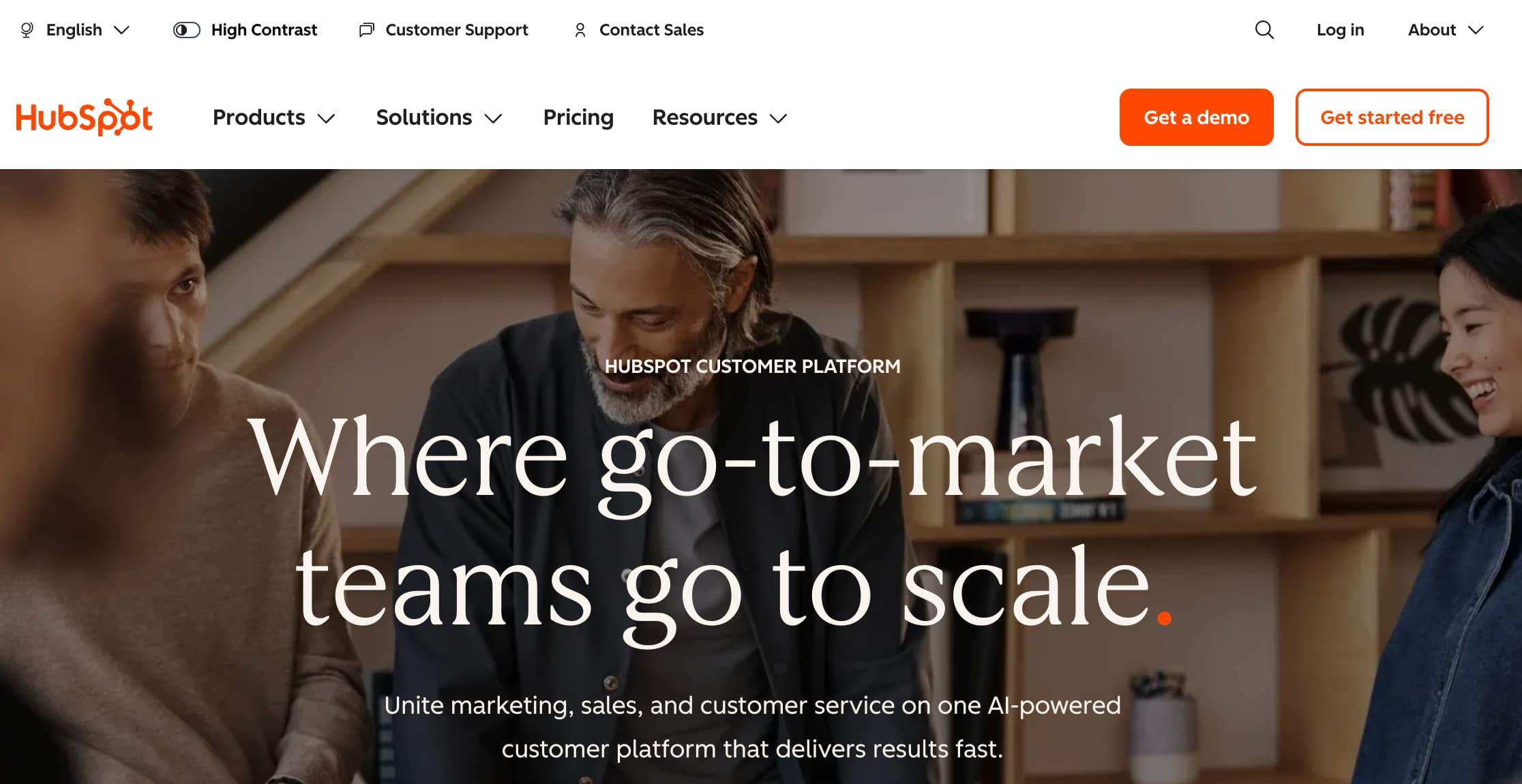
HubSpot is a CRM platform, but it plays an important role in how testimonial workflows are triggered and timed. Its strength lies in CRM data, lifecycle tracking, and automation that help teams identify the right moments to request testimonials.
Because of this, HubSpot functions best as the orchestration layer rather than the system that actually collects and manages testimonials.
Key Features
-
Workflow-based automation that can trigger testimonial requests at specific lifecycle stages.
-
CRM-native segmentation that allows testimonial requests to be personalized using contact and deal data.
-
Strong integration ecosystem that makes it easy to connect HubSpot with third-party testimonial tools.
Pricing:
-
Free CRM: Forever free with contact, deal, task tracking, and basic tools.
-
Starter CRM Add-ons / Bundles: ~From $15/user/month.
-
Professional & Enterprise: Tiered plans with advanced automation and reporting (cost increases based on seats and contacts).
HubSpot works best when paired with a dedicated testimonial management platform like ProofFlow, rather than being used on its own.
3. Famewall: Best for Website-Focused Social Proof
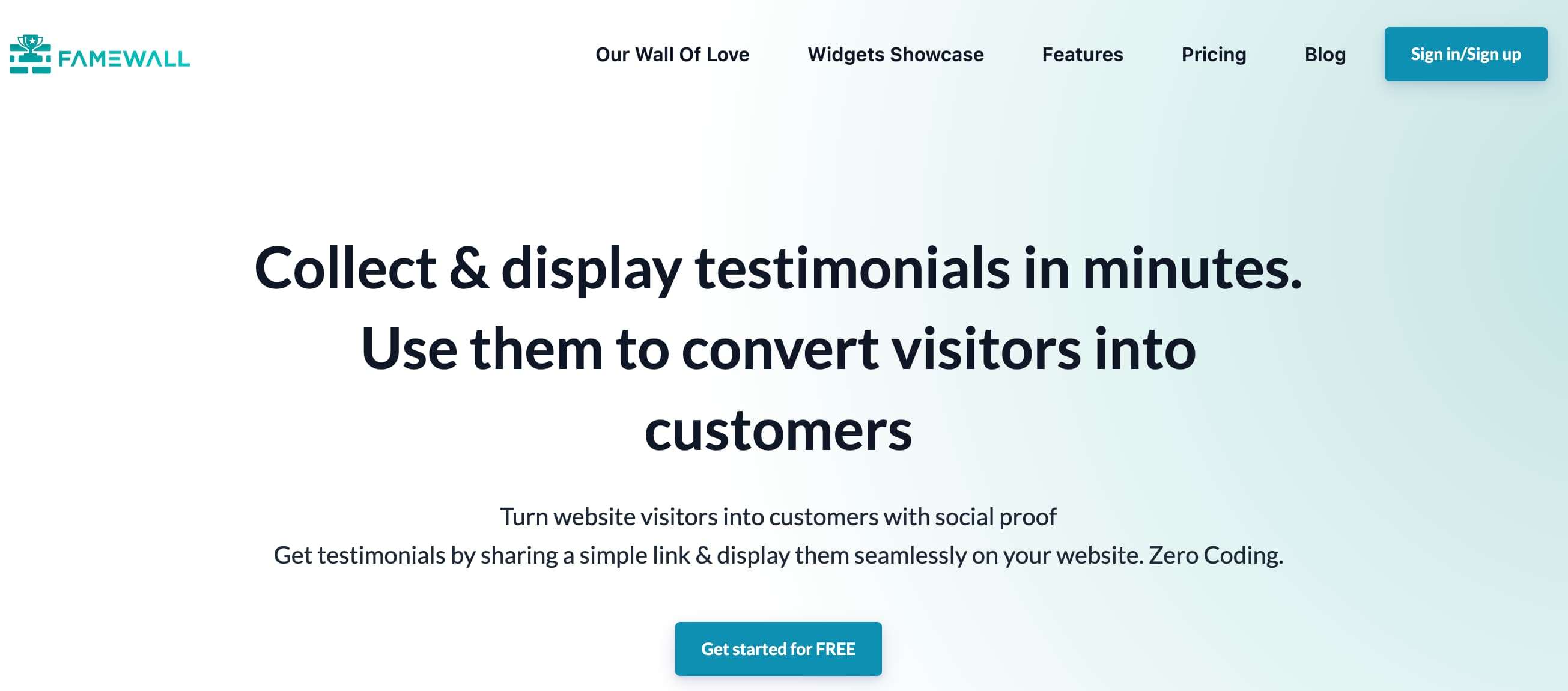
Famewall is designed for teams that primarily want to showcase testimonials on websites and landing pages. It focuses on collecting testimonials and turning them into visually appealing social proof widgets rather than managing testimonials as structured CRM assets.
This makes Famewall more suitable for frontend presentation than CRM-led testimonial workflows.
Key Features
-
Video testimonial collection designed for quick customer submissions.
-
Ready-to-use social proof widgets that can be embedded on websites and landing pages.
-
Simple setup process that requires minimal technical configuration.
Pricing:
-
Free: $0/month, up to 10 testimonials
-
Standard: $9.99/month
-
Professional: $24.99/month
-
Business: $79.99/month
Famewall is effective for visual website social proof, but it lacks the depth needed for CRM-driven testimonial management.
4. Testimonial.to: Best for Lightweight Video Testimonial Collection
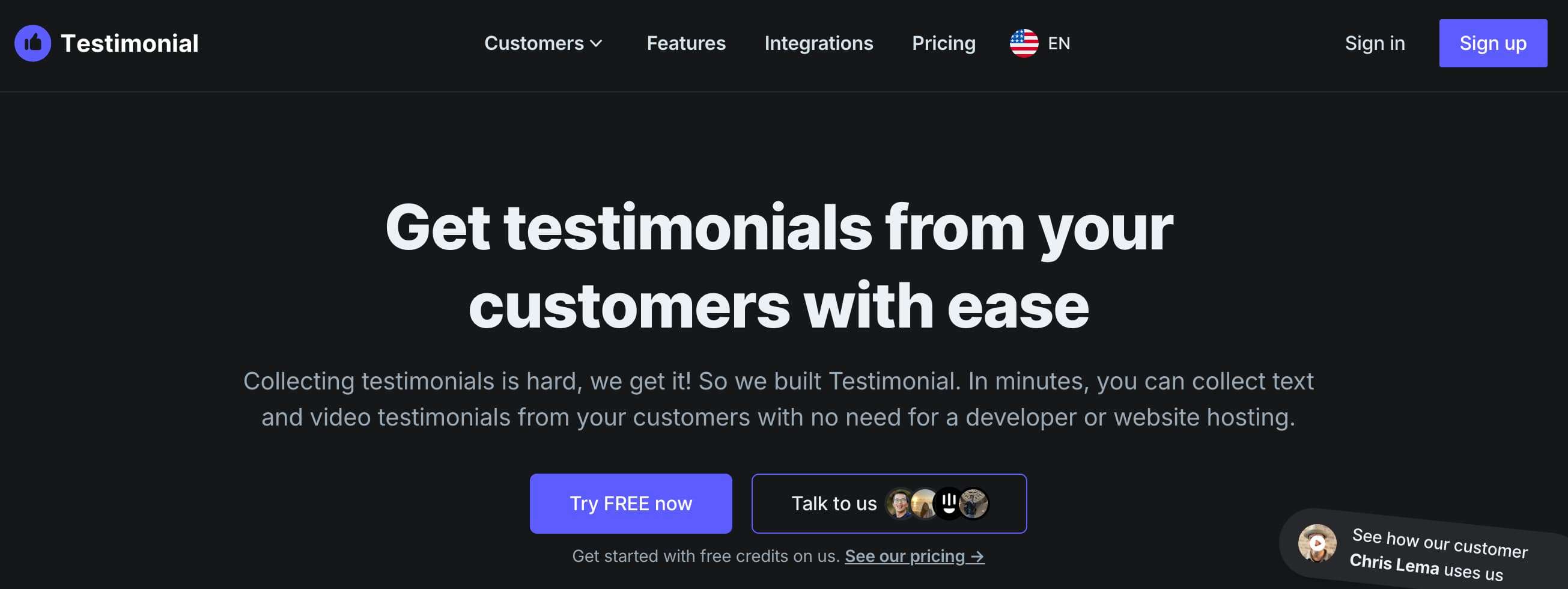
Testimonial.to offers a simple and fast way to collect video testimonials using shareable links. It is designed for speed and convenience rather than structured testimonial management, making it suitable for teams that want quick feedback without complex workflows.
Its CRM integration capabilities, however, remain limited.
Key Features
-
Easy video testimonial capture through shareable links.
-
Minimal setup that allows teams to start collecting testimonials quickly.
-
Lightweight interface focused on simplicity rather than advanced management.
Pricing:
-
Free Starter: Limited testimonials included, ideal for trial.
-
Premium: ~$50/month
-
Ultimate: ~$150/month
-
Agency: ~$300+/month
Testimonial.to is useful for basic video collection, but it is not built for teams that need scalable, CRM-aligned testimonial management.
5. Senja: Best for Creator-Led Brands and Early-Stage SaaS
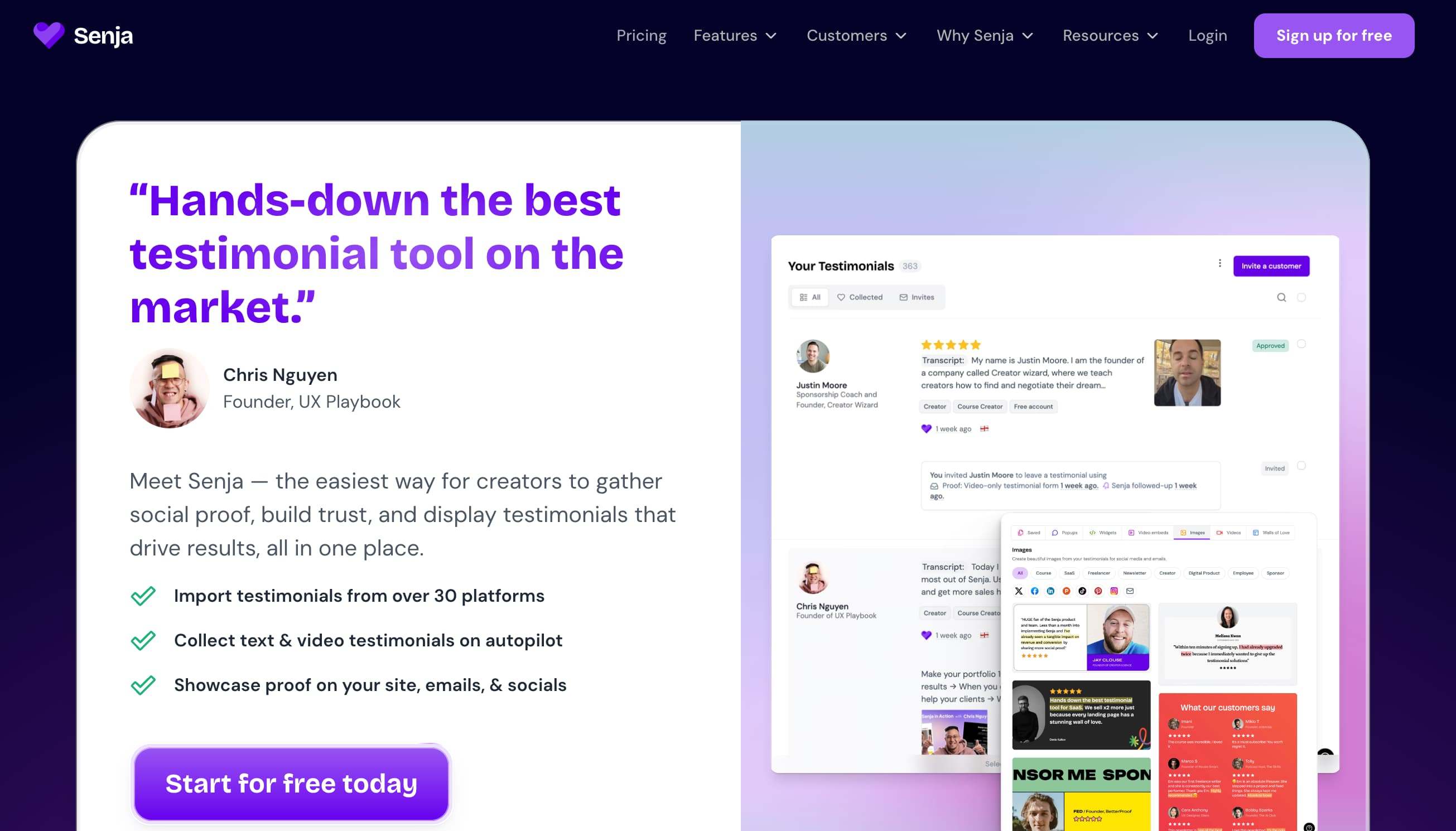
Senja is designed for flexibility and ease of testimonial collection, offering support for both text and video submissions. It is commonly used by creator-led brands and early-stage SaaS teams that focus more on marketing visibility than on CRM-driven sales workflows.
Its CRM capabilities are functional but relatively lightweight.
Key Features
-
Support for collecting both text and video testimonials in one platform.
-
Simple review and approval workflows for publishing testimonials quickly.
-
Zapier-based integrations that allow basic connections with CRMs and marketing tools.
Pricing:
-
Free: $0/month
-
Starter: $29/month
-
Pro: $59/month
Senja works well for marketing-led teams, but it is not optimized for B2B organizations that rely heavily on CRM-based pipeline and revenue attribution.
Which Testimonial Tools Work Best With CRMs? A Quick Side by Side View
Not all testimonial tools integrate with CRMs in the same way or deliver value at the same stage of the funnel. This quick comparison highlights how leading platforms differ in CRM integration depth, automation, and usability.
| Tool | CRM Integration | Video Support | Best For |
|---|---|---|---|
| ProofFlow | Strong (HubSpot-friendly) | Yes | B2B CRM-led teams |
| HubSpot | Native CRM | Limited | Workflow orchestration |
| Famewall | Limited | Yes | Website social proof |
| Testimonial.to | Minimal | Yes | Simple video capture |
| Senja | Partial | Yes | Marketing-led teams |
How to Choose the Right Testimonial Management Tool?
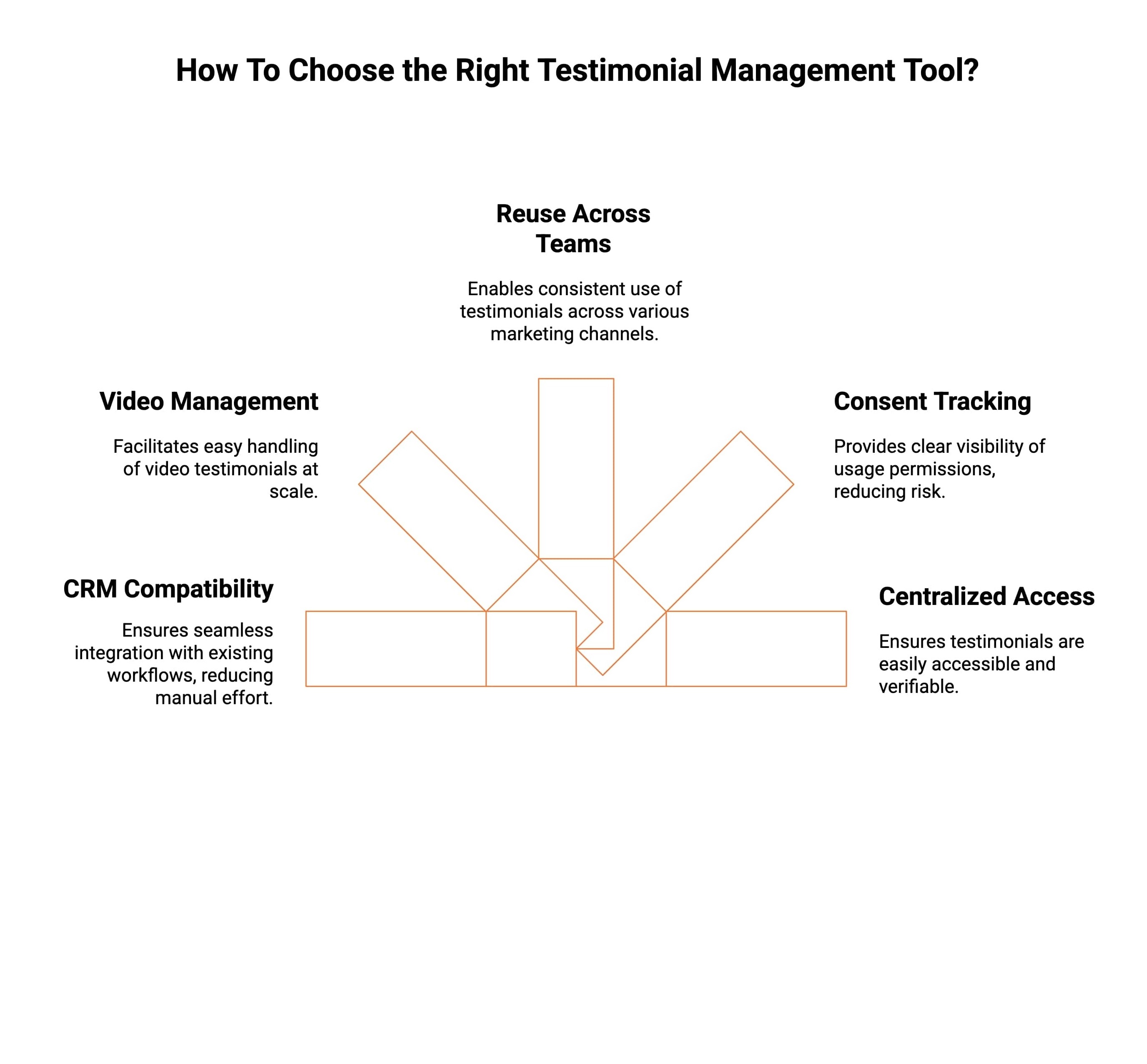
Choosing the right testimonial management tool is less about features on paper and more about how well the tool fits into your existing CRM and revenue workflows. The right choice should reduce manual work, improve trust, and make testimonials easier to use across teams.
Choosing a testimonial management tool isn’t about having the longest feature list. It’s about how easily the tool fits into your existing CRM and day-to-day revenue workflows. The right option should reduce manual work, keep customer context intact, and make testimonials easier for teams to actually use.
Below are the most important areas to look at when evaluating your options.
1. CRM Workflow Compatibility
A good testimonial tool should work naturally with your CRM, not alongside it as a separate process. Testimonial requests should be triggered automatically after key moments like deal close, onboarding success, or renewals.
When testimonials stay connected to CRM data, teams avoid guessing when to ask and get better results with less effort.
2. Ability to Manage Video Testimonials at Scale
Video testimonials are powerful, but only when they’re easy to collect, review, and reuse. The right tool helps teams manage growing volumes of video without relying on folders, links, or manual tracking.
This keeps video testimonials usable instead of becoming forgotten assets.
3. Easy Reuse Across Sales and Marketing
Testimonials shouldn’t live in silos. A strong platform makes it easy to use the same testimonial across emails, landing pages, sales decks, and campaigns.
This ensures customer proof supports conversations wherever prospects are making decisions.
4. Clear Consent and Approval Tracking
Every testimonial, especially video, should have clear approval and usage permissions. The right tool keeps this information visible so teams know exactly where and how testimonials can be used.
This reduces risk and removes hesitation when sharing testimonials publicly or in paid channels.
5. Centralized Access and Ownership
If testimonials help influence revenue, they should live in one trusted place. Centralized access makes testimonials easier to find, verify, and use across teams.
This turns testimonials from one-off content into a reliable trust resource throughout the funnel.
If testimonials influence revenue, they should live close to your CRM, not scattered across inboxes, folders, or disconnected tools.
Conclusion
In 2026, the best testimonial management tool is one that fits naturally into your CRM ecosystem. While many tools help collect testimonials in different ways, only a few support true testimonial management at scale, especially for B2B teams.
Choosing the right tool isn’t about collecting more testimonials; it’s about collecting the right testimonials and using them where they matter most.
Frequently Asked Questions
Are there any free testimonial management tools with good features?
Several tools offer free tiers for basic testing. Famewall and Senja suit early trials, but the best part of the testimonial tool ProofFlow is evaluating structured automation before committing to a full testimonial collection workflow and ease of use.
How secure is my customer data when using these platforms?
Reputable platforms protect data with encryption, access controls, and consent tracking. ProofFlow emphasizes data hygiene and permissions, helping teams automate outreach securely, safeguard customer information, and maintain trust while scaling testimonial collection without compliance gaps or privacy risks.
Which testimonial management software works best for video testimonials?
Video-first tools like VocalVideo and Boast excel for recordings, but ProofFlow balances video and text testimonials, enabling mixed formats in one workflow, reducing tool sprawl, simplifying approvals, and keeping testimonial operations consistent as teams scale without added complexity.
What are the main differences between top testimonial management tools?
Differences show up in automation depth, activation, and reuse. ProofFlow prioritizes CRM-driven workflows, letting teams repurpose approved testimonials dynamically across emails, landing pages, and a living wall of love, without manual duplication or delays during ongoing campaigns, launches.
What is the best tool to collect & display testimonials?
The best tool fits your workflow and scale. ProofFlow combines collection and activation using customizable testimonial pages that route approvals seamlessly, then publish trusted proof directly into campaigns, websites, and sales assets, without extra tools or manual steps.
What to Check Before Choosing a Testimonial Tool?
Before choosing a testimonial tool, check integrations, consent handling, moderation, and reuse paths. ProofFlow stands out by making testimonial movement visible, so teams understand how feedback flows from capture to real marketing impact across campaigns, channels, teams, clearly.
What Issues Does A Testimonial Collection Tool Help Fix?
Testimonial tools fix poor timing, scattered feedback, and unused praise. ProofFlow centralizes requests, approvals, and storage, ensuring testimonials are captured at peak intent and actually reused across marketing, sales, and product touchpoints without extra coordination, delays, silos, effort.
Do you need software that can collect testimonials from multiple sources?
Yes. Modern platforms offer an easy way to unify online reviews, automated testimonial collection, customer videos, and client testimonial videos, improving overall customer experience while keeping workflows simple, scalable, and controlled across every digital touchpoint.
Ready to automate your testimonial collection?
Get full access to ProofFlow at no cost during our free beta. The complete testimonial automation platform for HubSpot.
Get Started Free